The form is still on the page, and people still tap send, but the notification emails stopped arriving weeks ago. Most website faults are quiet like that. The surest way to catch them is one website-maintenance session a month, in a fixed order.
Quick summary
- Order: back up, update, use the site the way a customer would, check Google, then SSL, the domain, and hosting.
- Time: one session a month. In a busy month, keep the six tasks in the checklist at the end.
- Nobody to do it: hire a technician on an hourly plan from VND 300,000/week, or hand everything over with a management package.
Set up for one website-maintenance session
Pick a time when few people are on the site, such as early morning or the end of the afternoon, and have these ready:
- Accounts: WordPress, hosting, and Google Search Console.
- A phone: so you can try the site the way a customer does.
- A small spreadsheet: the date, what you did, and the faults you found, so you can see what breaks often.
If the site has just gone live, first run through the 30-day post-launch checklist. You only need to do that once.
Back up first, because updates are when things break
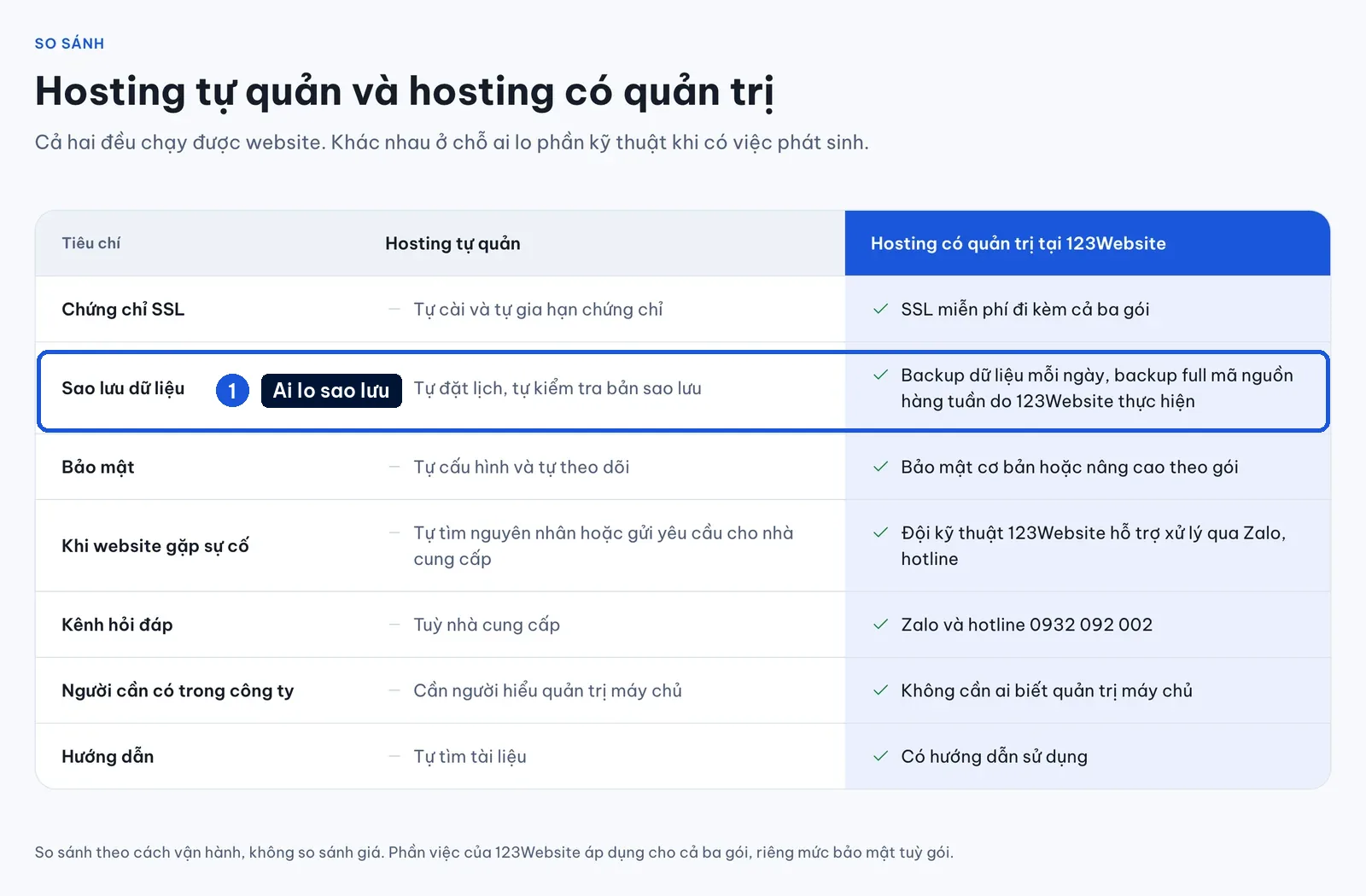
An update is when the site is most likely to break, and the fastest recovery is a backup you just made.
- Check the date, time, and storage location of the new backup.
- Keep another copy off the hosting: if the hosting fails, you lose the website and the backup that sat on it.
- Once a quarter, try a restore on a separate environment.
Update WordPress, plugins, and the theme, then clean up accounts
WordPress core, the theme, and plugins all ship security patches. Skip updates for too long and the site becomes an easy target for injected malicious code.
- Update one plugin at a time. Do not click update all.
- After each one, reopen the main pages: the homepage, the services page, the cart if there is one, and send a test through the form. If something breaks, you know which plugin did it.
- If the theme was edited directly in code, do not update it yourself. The edits will be overwritten.
After the updates, spend a few minutes on cleanup. This is the part most often skipped:
- Old accounts: remove staff who have left, and vendors whose contract has ended.
- Administrator rights: keep them only for people who truly need them.
- Passwords: long, and not reused from email or social accounts.
- Unused plugins and themes: delete what you do not use, and replace a plugin that has been abandoned.
Act as the customer: test the form, hotline, and Zalo on a phone
The most important part sits outside the admin screen. Pick up a phone and use the site the way a first-time visitor would.
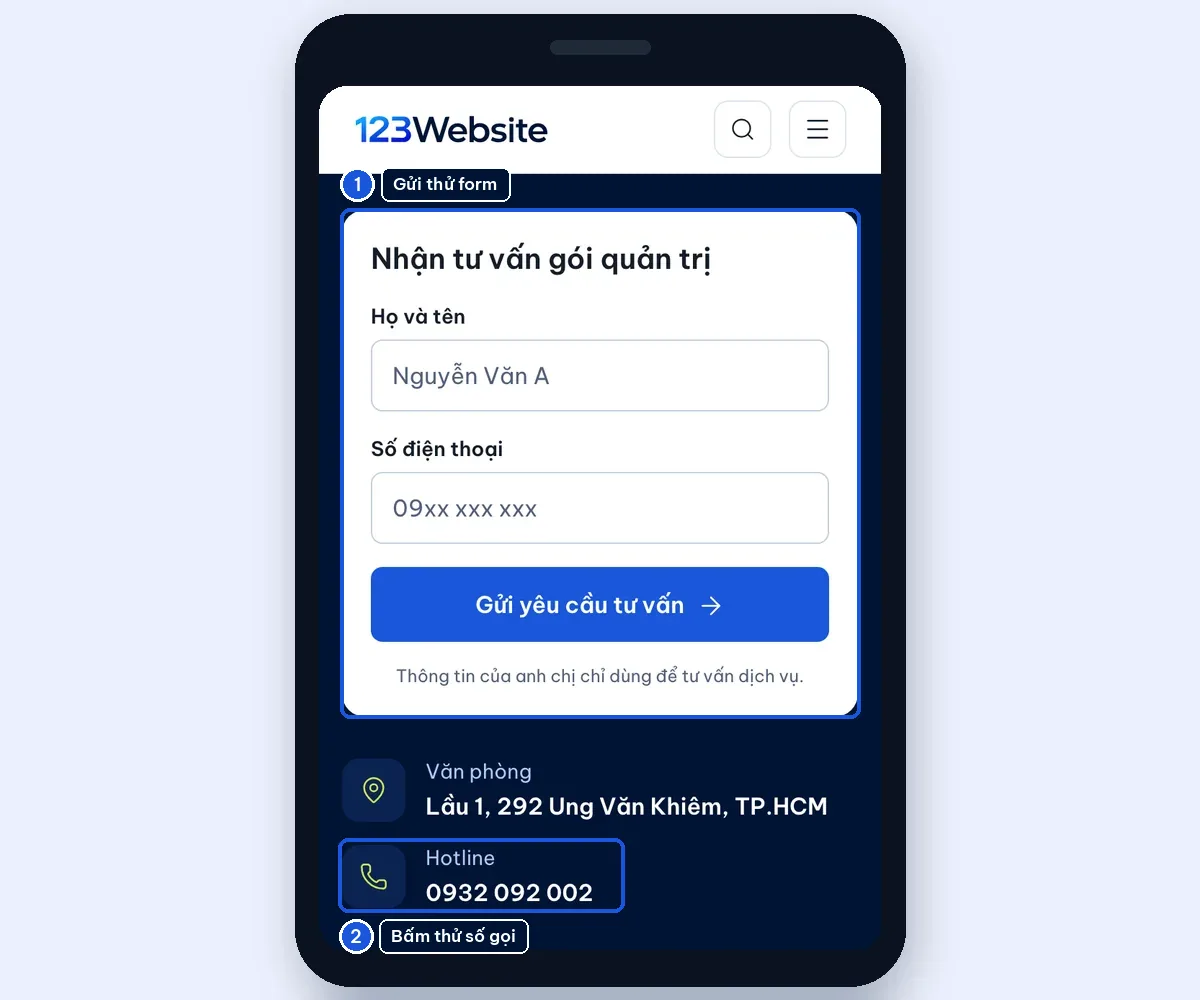
- Form: send a test enquiry and see whether the email reaches the right inbox or lands in spam.
- Call button: tap it and check that the number is still correct.
- Zalo button: it should open the account someone is actually monitoring (Zalo is Vietnam’s most widely used messaging app).
- Speed: measure it with PageSpeed Insights and compare it with last month.
- Out-of-date content: an expired promotion still on the banner, the price list, or holiday opening hours that were never changed.
Example: a form that stops sending mail often starts after a plugin updates itself, or after the mailbox fills up. A five-minute test each month is enough to catch it.
See the website the way Google sees it
A site that looks fine to a visitor is not always fine to Google. In Google Search Console, check two places:
- The Pages report: which pages are not indexed, and why.
- 404 errors: pages that were deleted or moved. If people still land on one, set a 301 redirect to the closest page.
If the site has a shop, also check the Google Maps listing against the article on Google Maps SEO for a local website.
SSL, the domain, hosting, and mail: things that expire quietly
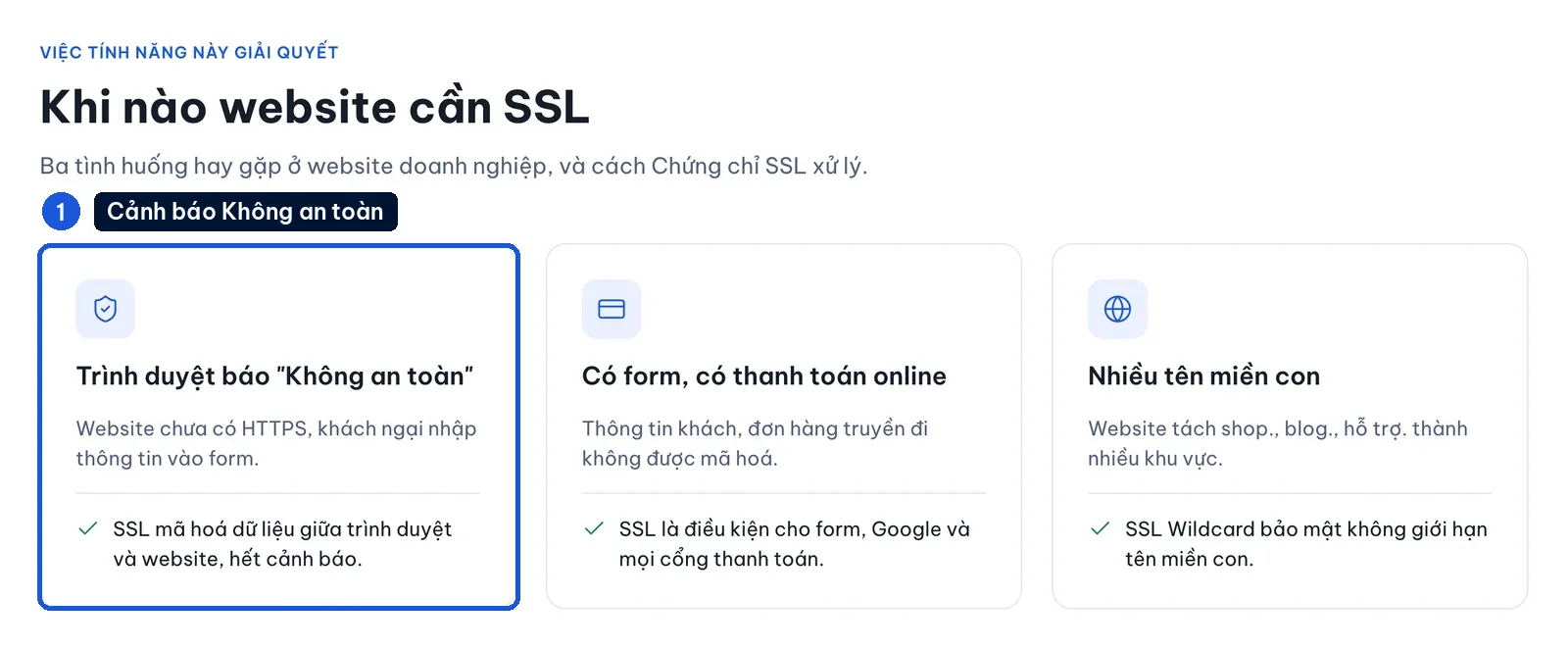
The fastest check is the address bar. If the browser says “Not secure”, the SSL certificate has a problem. Also check the SSL and domain expiry dates, and turn on auto-renewal if you can. Renewal prices are on the SSL pricing page and the domain page.
Next is capacity:
- Hosting is full: the site cannot save new images, and backups fail as well.
- The domain mailbox is full: mail from customers bounces.
- The domain expires: the website and company email stop together.
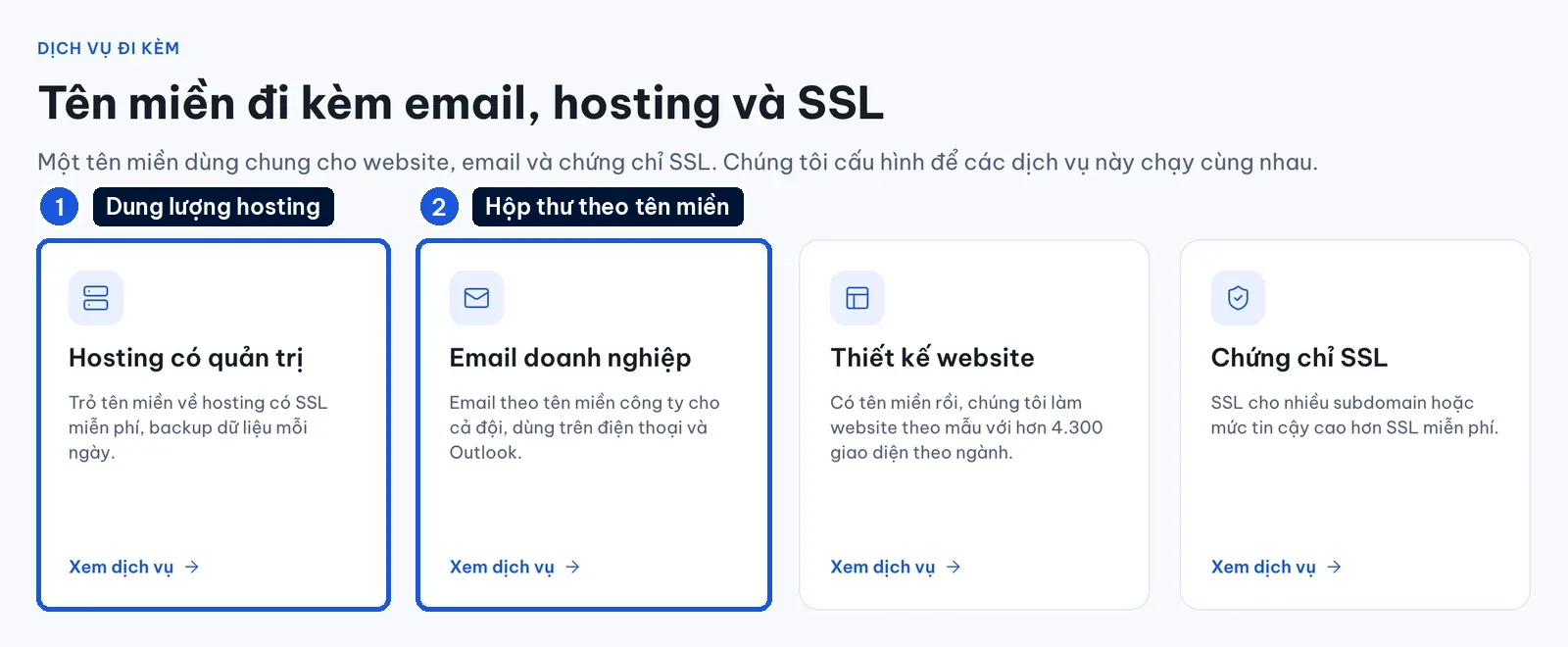
If you regularly run out of space, look at a managed hosting plan or a business email plan.
If you only have one hour a month
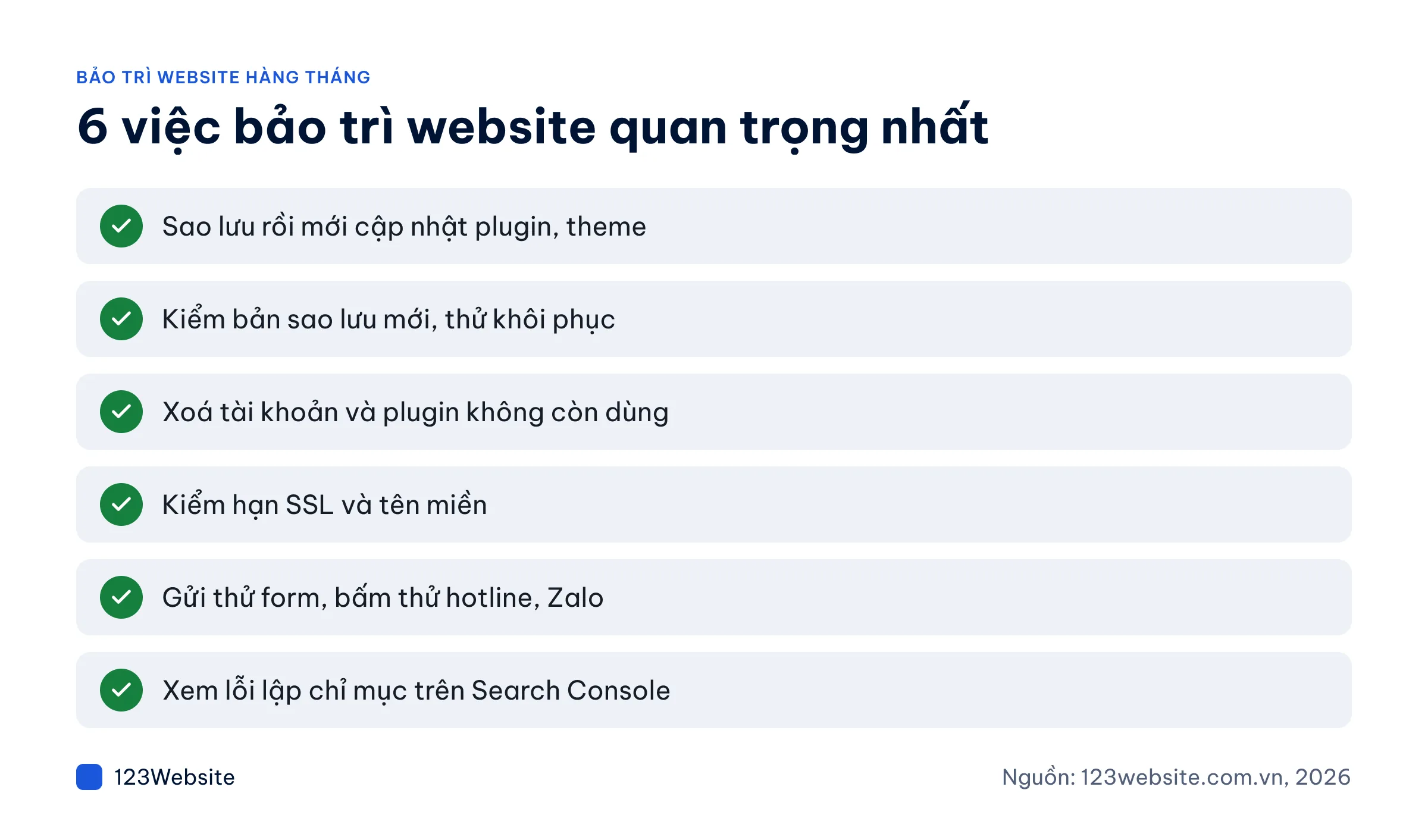
In a busy month, we recommend keeping at least these six tasks. A failure here costs the most:
- Back up, then update plugins and the theme.
- Check that the new backup has the right date and time, and is stored in the right place.
- Remove accounts and plugins you no longer use.
- Check the SSL and domain expiry dates.
- Send a test through the form, and tap the hotline and Zalo.
- Check indexing errors in Search Console.
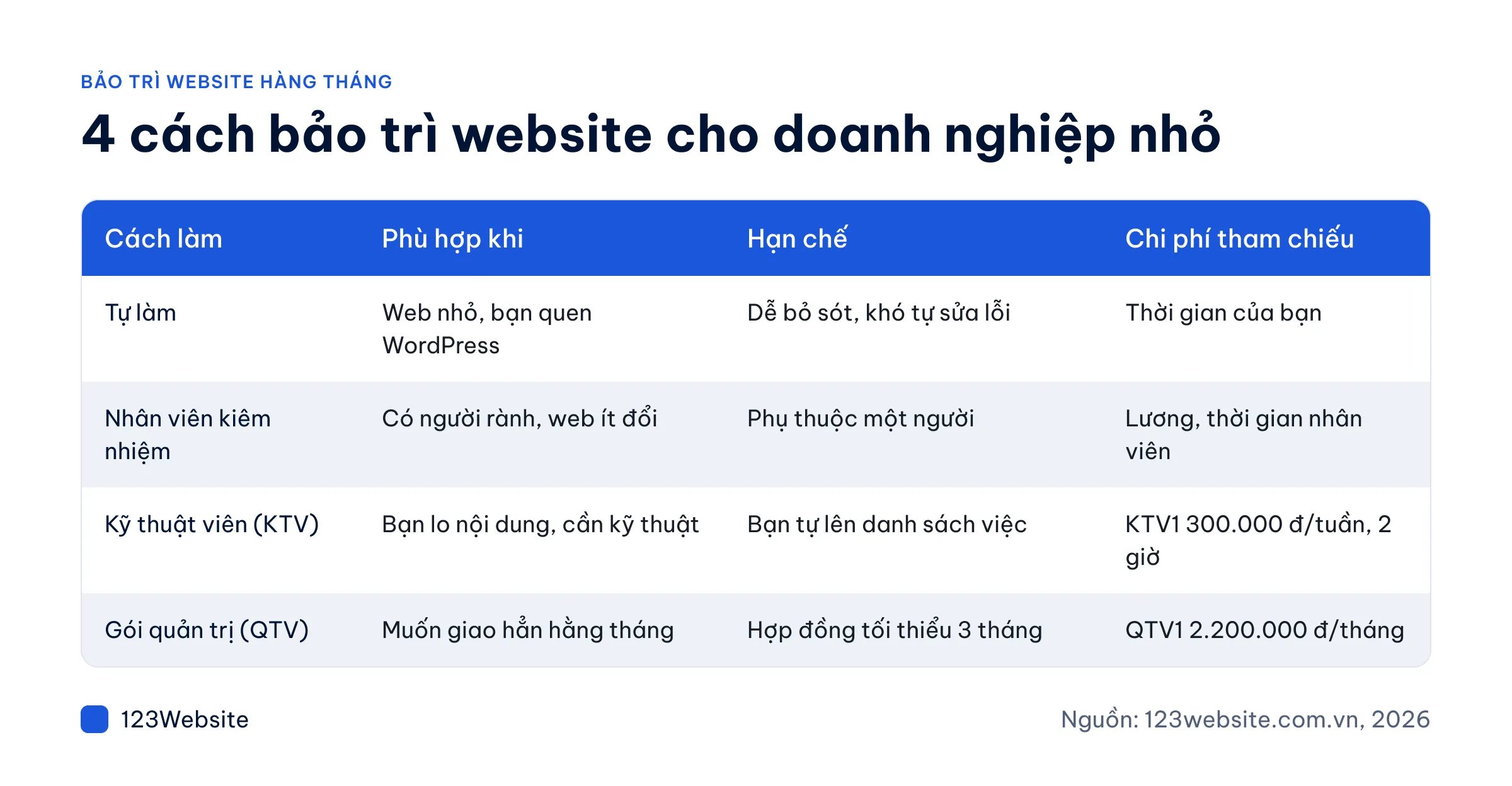
If nobody on the team can maintain the website, which option fits
It depends on whether anyone in the company knows WordPress:
| Approach | Fits when | Limit |
|---|---|---|
| Do it yourself | A small site, and the owner already knows WordPress | Easy to miss something, and hard to fix a fault on your own |
| An internal staff member, part-time | Someone is comfortable with computers, and the site rarely changes | It depends on one person. If they are away, the work stops |
| Hire a technician by the hour (KTV) | You can handle the content, and you only need someone for the technical work | You have to write the task list yourself |
| Sign up for a management package (QTV) | You want the monthly care handed over | Minimum contract of 3 months |
Note: 123Website managed hosting backs up data every day and the full source code every week. Warranty and lifetime support apply with 123Website hosting; other hosting follows the contract (warranty policy).
If the site is very old and the theme is no longer updated, rebuilding usually costs less than patching it indefinitely. A template website starts at VND 4.99 million (the GOLD package). See the website design pricing page.
Hire website maintenance from 123Website
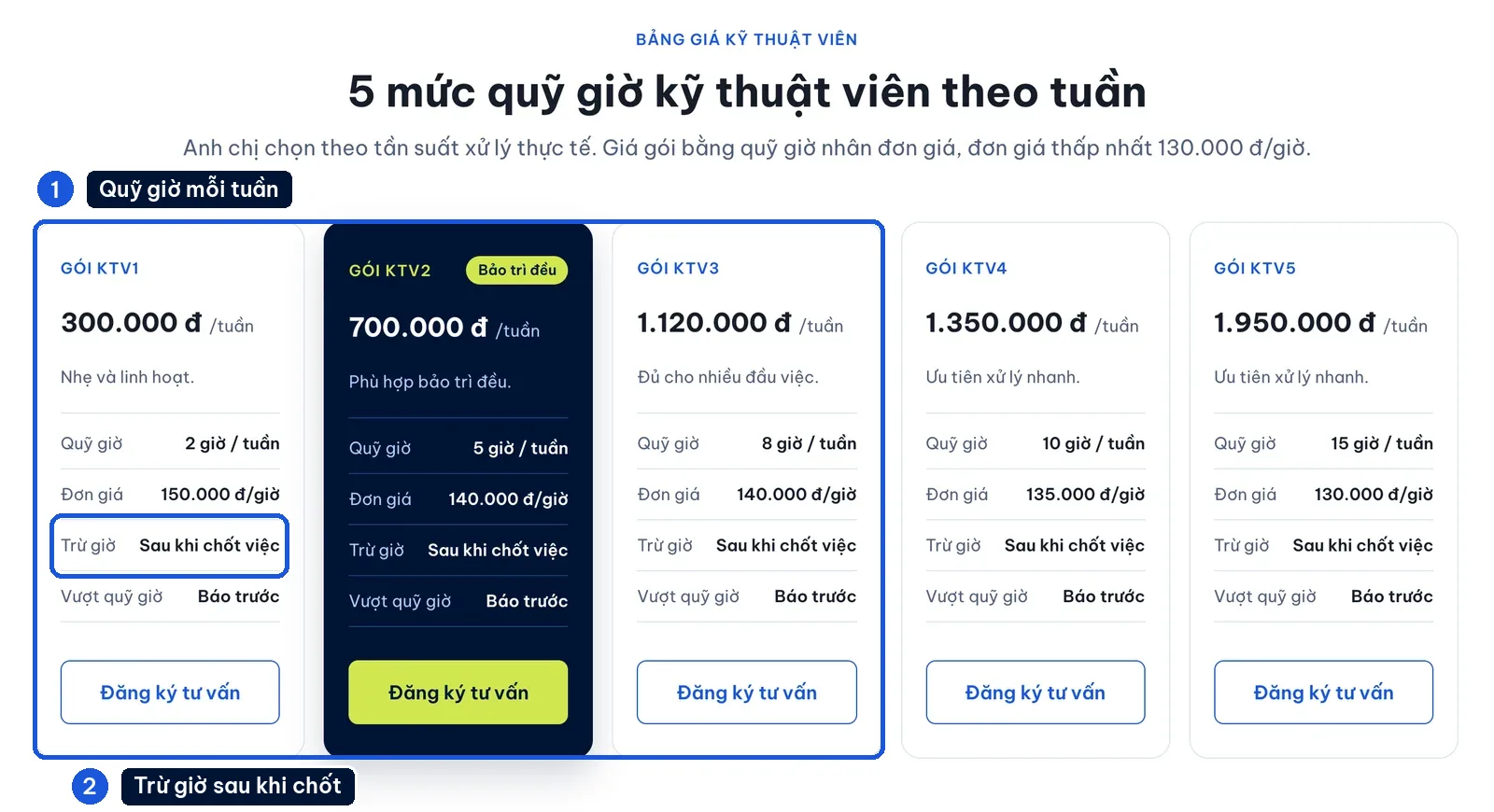
- Technician packages: a bank of hours is held each week. KTV1 is VND 300,000/week for 2 hours, KTV2 is VND 700,000/week for 5 hours, and KTV3 is VND 1,120,000/week for 8 hours. Hours are deducted only after the task is confirmed.
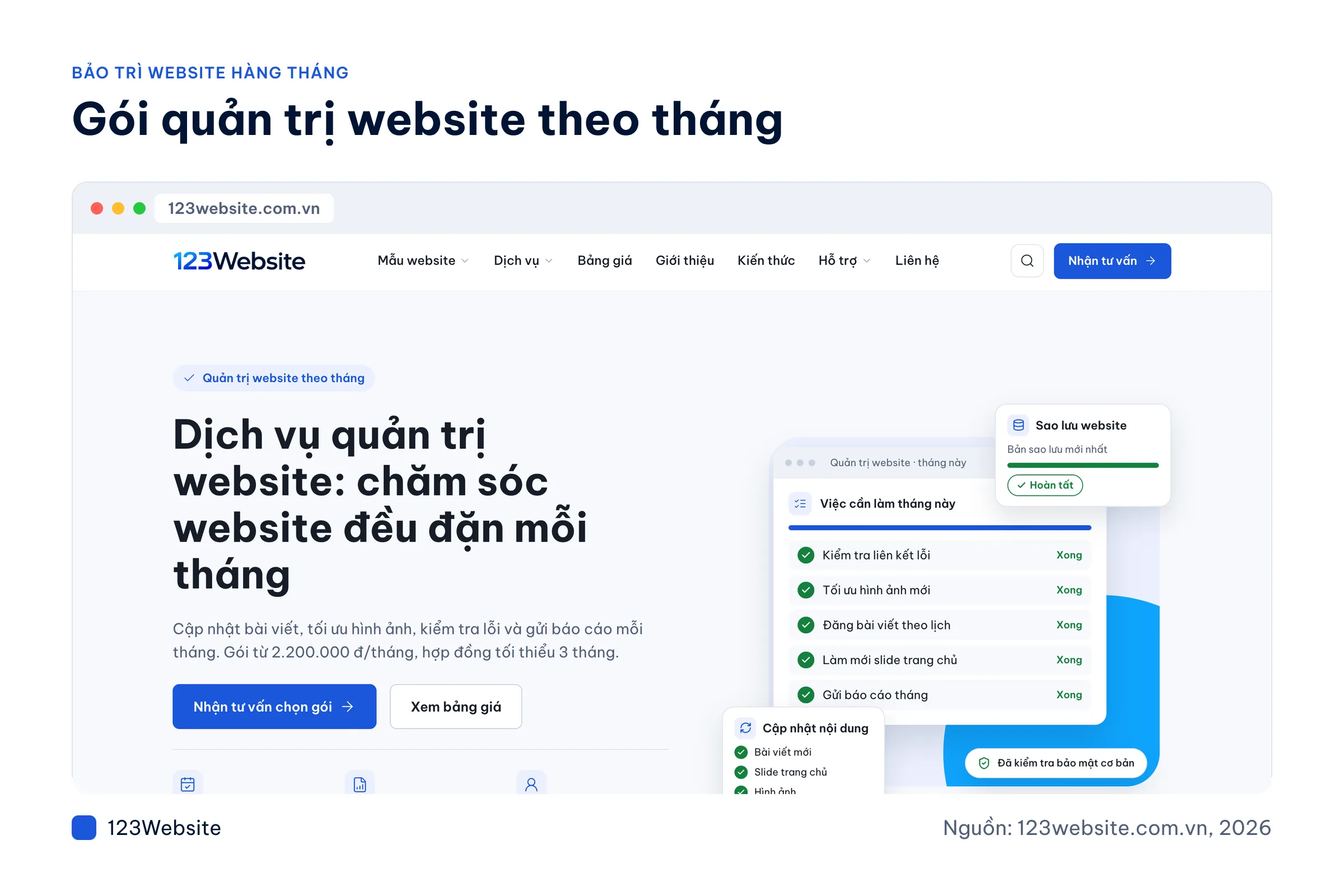
- Website management packages: the work is handed over, with a minimum contract of 3 months. QTV1 is VND 2,200,000/month, QTV2 is VND 2,800,000/month, and QTV3 is VND 3,000,000/month. The package covers post updates, image optimization, broken links, backups, and a monthly report.
Common questions
What does it cost to hire someone for monthly maintenance?
Doing it yourself only costs time. A technician at 123Website starts with KTV1 at VND 300,000/week for 2 hours. Handing the work over starts with the QTV1 management package at VND 2,200,000/month, with a minimum contract of 3 months. Hosting, the domain, and SSL are charged separately.
If few people visit the website, do you still need to do this every month?
Yes. A plugin vulnerability, an expired SSL certificate, or a broken form does not depend on traffic. The fewer visitors a site has, the longer a fault can sit unnoticed. One session a month is enough to confirm the site still receives enquiries and that a backup exists.
Can a WordPress plugin update break the website?
It can, especially if the plugin has not been updated for a long time, or the theme was edited in code. Back up first, update one plugin at a time, and reopen the main pages after each update. If something breaks, restore the backup you just made, then ask a technician to find the cause.
If the website fails, how do you report it to 123Website?
Call the sales hotline 0932 092 002, message on Zalo at the same number, email hotro@123website.vn, or open a ticket in the 123Website ERP (the company’s support system). 0283 510 6868 is the technical support number. Hours are Mon–Fri 8:00–17:30, Sat 8:00–12:00. Include the URL of the broken page and a screenshot.
Should you choose a KTV technician package or a QTV management package?
KTV fits when you handle the content yourself and only need technical work, such as editing the layout or adding a page. Hours are deducted only after the task is confirmed. QTV fits when you want the monthly care handed over: publishing posts, optimizing images, fixing broken links, backups, and a report.
Keep a once-a-month rhythm
If you remember one thing, remember the order: back up first, update second, then use the site the way a customer would.
Want someone to run through it for you? We offer advice on the sales hotline 0932 092 002 during business hours, or you can leave your details on the consultation sign-up page.
Jollie specializes in business digitalization, advising on digital solutions and management software suited to each stage of a company's growth. With more than 5 years of experience running online marketing for…