The website has been handed over, but when you test the form, the email never reaches the person in charge. The Zalo button opens — Zalo is Vietnam’s most widely used messaging app — yet a message sent after hours gets no reply. A post-go-live checklist should start with problems like these, before you write more articles or raise the ad budget.
The 30-day checklist below, for a small or medium business (SME) website, splits the work by week. The point is to see whether customers can reach you, whether the information is right, and who is handling each enquiry.
Quick summary
- Week 1: send a test through the form, and tap the hotline and Zalo on a phone.
- Week 2: add prices and real photos; connect Search Console and GA4.
- Week 3: log each enquiry in a sheet, and separate sources with UTM.
- Week 4: pick one specific task for the following month.
Week 1: walk the path a customer walks
Use your own phone, open the website on mobile data, and go from the homepage through to contact. Don’t just check the layout on the web developer’s computer.
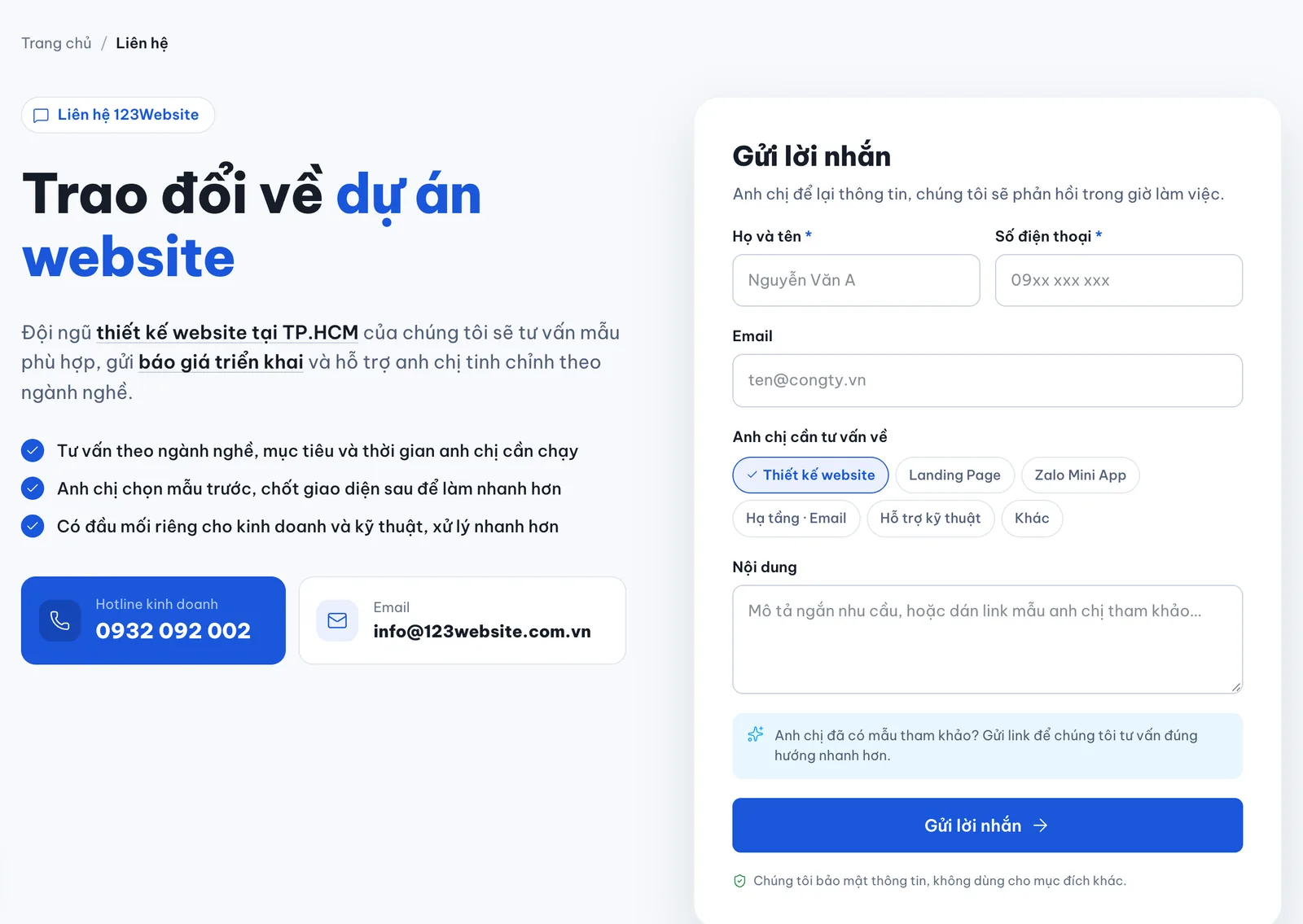
- Forms: send a test through each form with content you can easily spot, then check the inbox, the spam folder and who receives the notification.
- Hotline and Zalo: also tap any booking buttons. Match the phone number against the Facebook Page and Google Maps.
- Pages and links: open the menu, service pages, pricing and the contact page one by one. Note broken links, missing images and leftover sample copy.
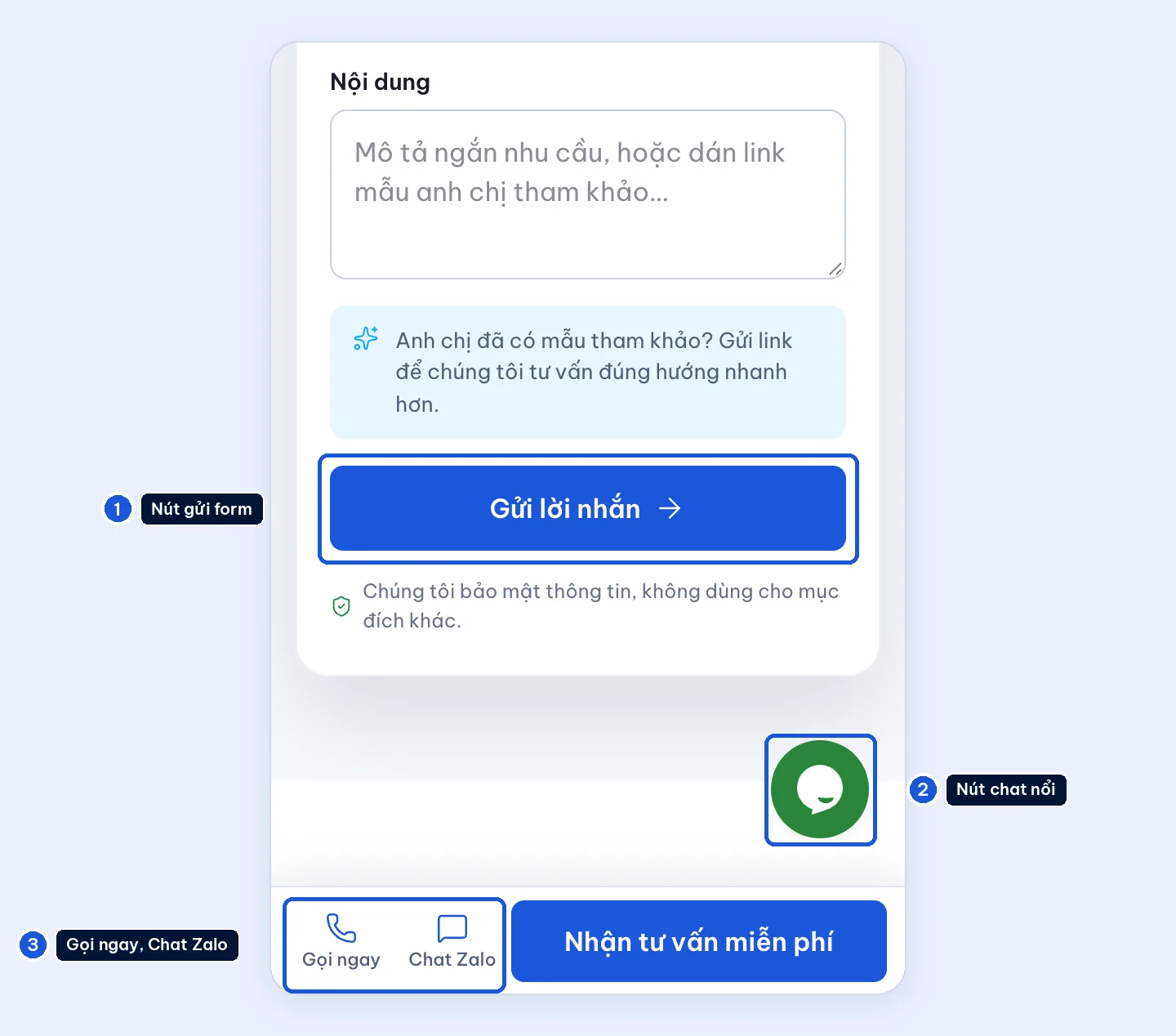
- Small screens: try the form’s submit button, and make sure a floating chat button does not cover it. See also how to place Zalo next to the form.
- Admin access: one account per person, and publishing staff get only the access they need. Test accounts are deleted or locked.
Note: if the form says it was sent but the email never arrives, write down which page, what time you sent it, and which address should have received it. A message that only says “the site isn’t working” means the technical team has to come back with more questions.
Week 2: fill in what a customer needs in order to decide
There is no need to open a blog yet. Prioritize the information that helps a customer decide:
- Sales information: the services you sell, the price or how to request a quote, the address, and support hours.
- Real photos: a restaurant needs its menu and how to book a table; an interior firm needs project photos and the scope of work.
Match the name, address and phone number on the website with the Google Business Profile. If there are several branches, check each address. Do not copy the head-office details onto every location. The article on local SEO and Google Maps has its own guide.
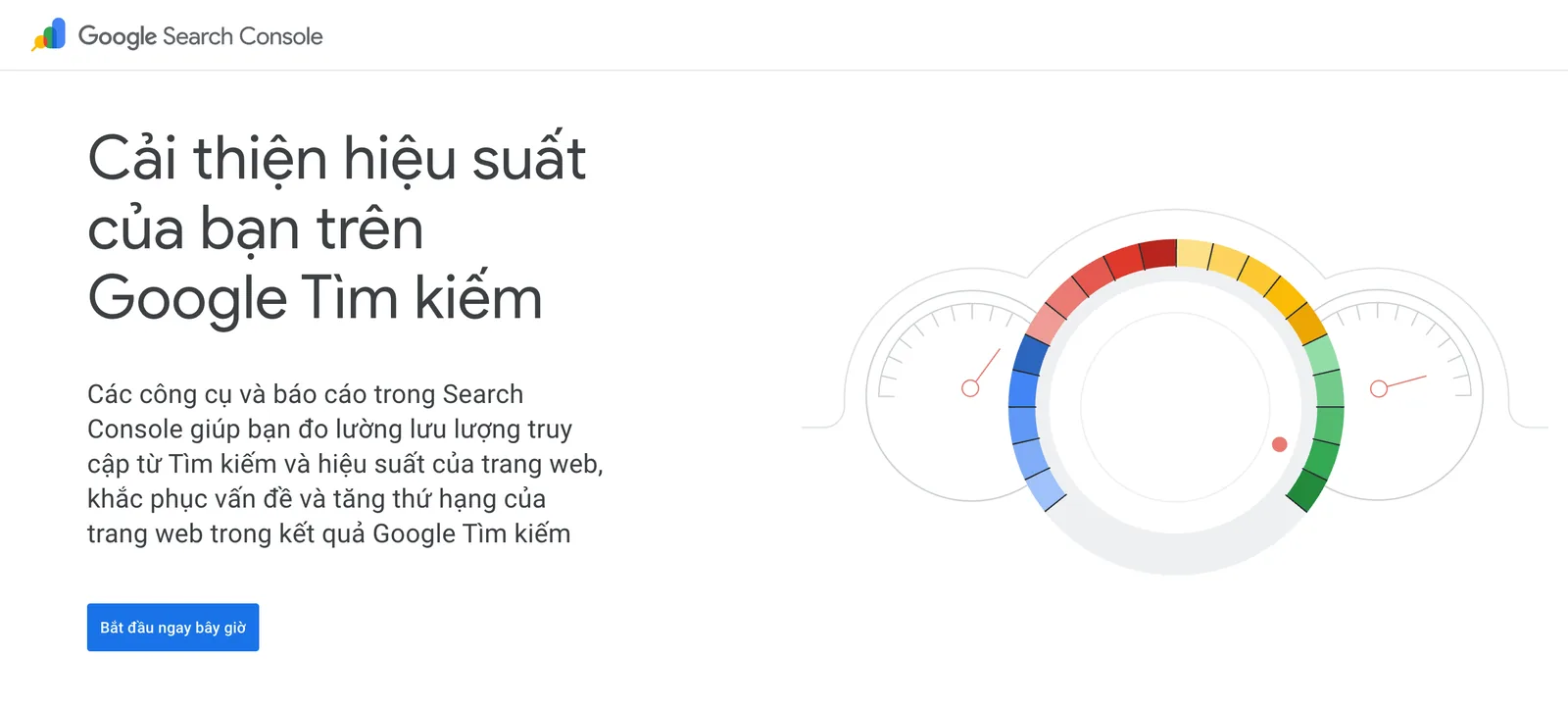
This is also the time to connect Google Search Console and GA4 if that is not done yet. The two tools answer two questions: which keywords people use to find the site, and what they do after they land.
Week 3: track people who get in touch, not just page views
To start, one Google Sheet is enough. Record the date of the enquiry, the source (if you can tell), what they need, who is responsible, and the outcome of the conversation. If a system already stores the customer’s details, do not copy them into another sheet.
For visitors who come from ads, use UTM parameters to tell campaigns apart. If the form is not set up to store the source, mark it as unknown. Do not guess the source from what the customer asked.
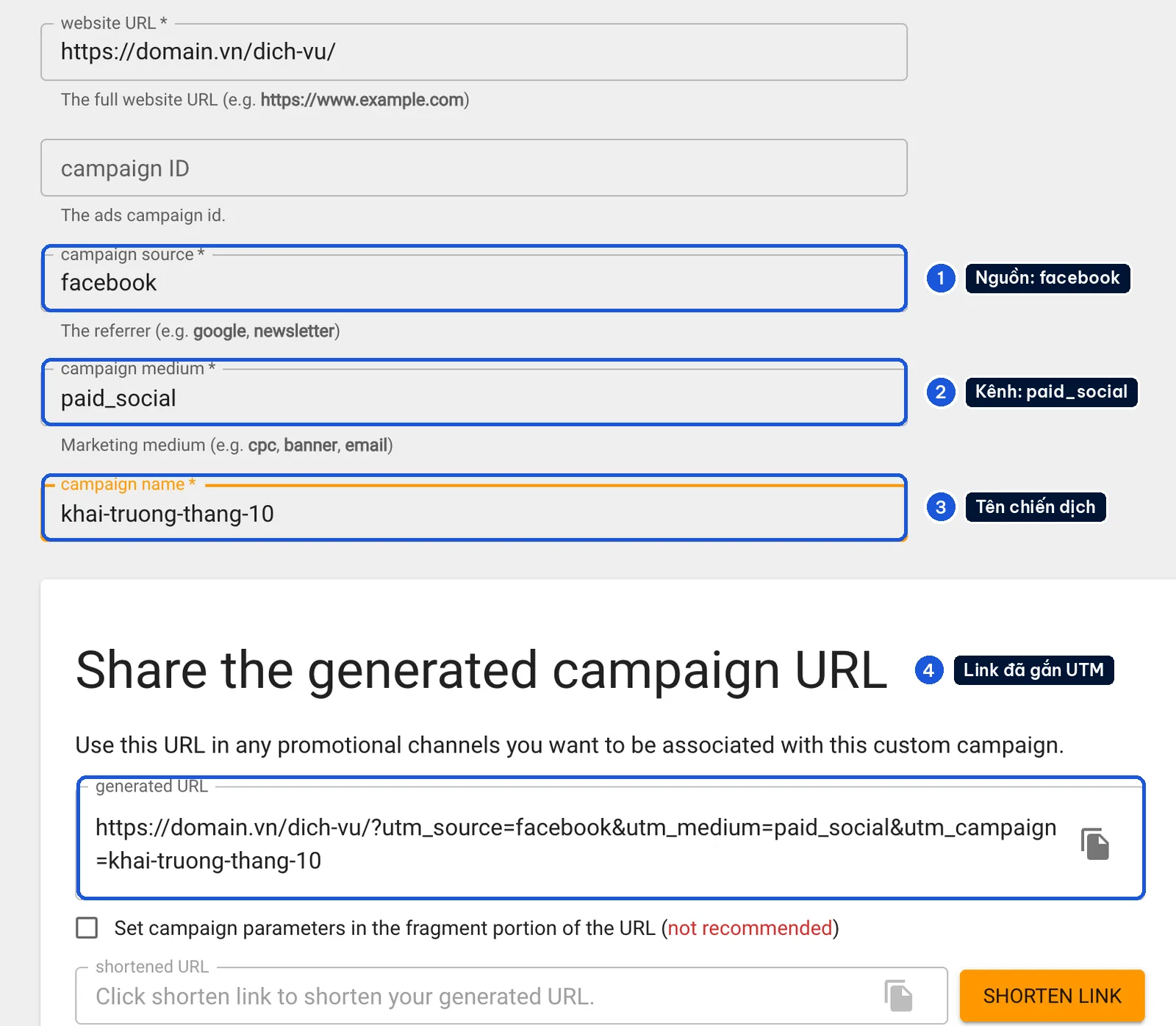
At the end of the week, sales and the person in charge of the website look at a few real enquiries together. Did the customer ask about a service you actually sell? Could you call them back? What is still missing on the page?
Example: pick one thing to fix, such as adding a price range or removing a field the form does not need.
Week 4: choose the focus for next month
| Situation | Look at this first |
|---|---|
| The page gets visitors but few enquiries | The invitation to get advice, where the buttons sit, and the questions on the form |
| The right people get in touch, but they do not go ahead | How you advise them, how you quote, and how fast you reply |
Changing the design at this point may not fix the actual problem.
Review newly uploaded photos on a phone as well. They should be sharp but reasonably compressed. Don’t upload the original camera files to every page.
At the end of the first month, once the post-go-live checklist is done, set a concrete goal for the next stage: finish project photos, track where enquiries come from, or improve a service page that already draws interest.
Until you have data, the first job is to measure properly. Growth comes after that.
What 123Website hands over, and what you run
123Website builds on WordPress, and has a process for choosing a template, approval and handover. The pages, forms, infrastructure and accounts in the handover should match that project’s quote. See also what the all-inclusive package covers so you know what to ask.
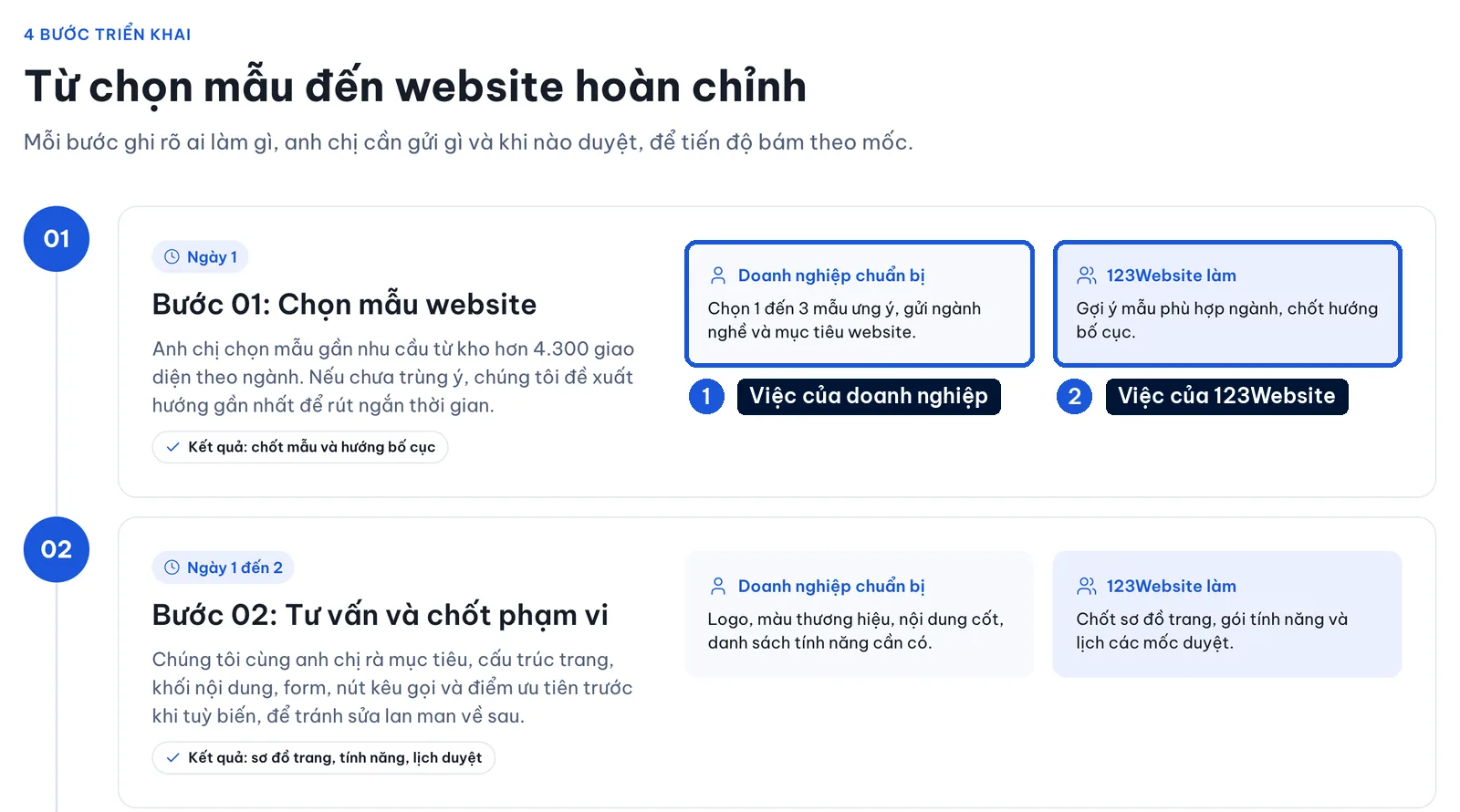
Your side is product data, the prices you currently sell at, someone to answer enquiries, and a way to track results. A handed-over website does not mean someone else will update every change in the business for you.
In 123Website’s Search Console data from 3 September to 29 September 2026, the site received 930 clicks from 74,348 impressions. That is search data. It does not say how many people asked for a website or signed a contract.
That is why we still check enquiry data alongside it. A click is not a sale.
Two questions that come up in the first month
Is one month enough to judge whether SEO is working?
Not enough for a long-term conclusion, especially if impressions are still low or the content has just changed. In the first month you can check whether Google has crawled the site, which pages are indexed, and which queries are starting to appear, then keep tracking it alongside the enquiry data.
When should you send a technical request?
When form submissions do not arrive, a contact button is wrong, a page is broken, or images and layout have a problem. Send the URL, a screenshot and the steps to reproduce it through the 123Website contact page. Changes to functionality need a separate discussion about scope.
Templates to look at if you need another company-profile page
If next month you need to present another service, the layouts below are worth a look. Choose by the information you need to show and by whether you can update it yourself. Do not choose from the demo photo alone.


See more company profile templates. Any extra cost should be checked against the scope already handed over and the current price list.
The 123Website team. We have designed websites and business software since 2013, with 2,000+ projects delivered.