A customer taps Zalo (Vietnam’s most widely used messaging app) in the evening, and the next morning the message is still unanswered. Or the floating chat button sits on top of the buy button on a phone. Adding Zalo chat to the website only finishes the technical part. Whether the customer gets a reply still depends on the layout and on who is on duty.
Zalo chat on the website fits when customers need a quick question before they buy. Even so, keep a form for people who want to leave a request outside working hours, or who would rather not open the app.
Quick summary
- Button placement: test on a real phone. Do not cover the form or the buy button.
- Zalo and the form: Zalo for a quick question, the form to take the request and call back.
- Who is on duty: assign a clear owner for incoming messages.
- Handover: tap and send a test from several devices.
Where should the button sit so people can use it?
A floating button in the bottom corner is easy to find, but you have to test it on a real phone:
- Open a product page and scroll down to the form.
- Open the keyboard and see whether the chat button covers an input or the send button.
- If the page also has Facebook chat or a fixed purchase bar, check how the page looks when they all show at once.
The label should say what will happen: “Message us on Zalo” or “Ask about this product”. If you only reply during business hours, state the support hours.
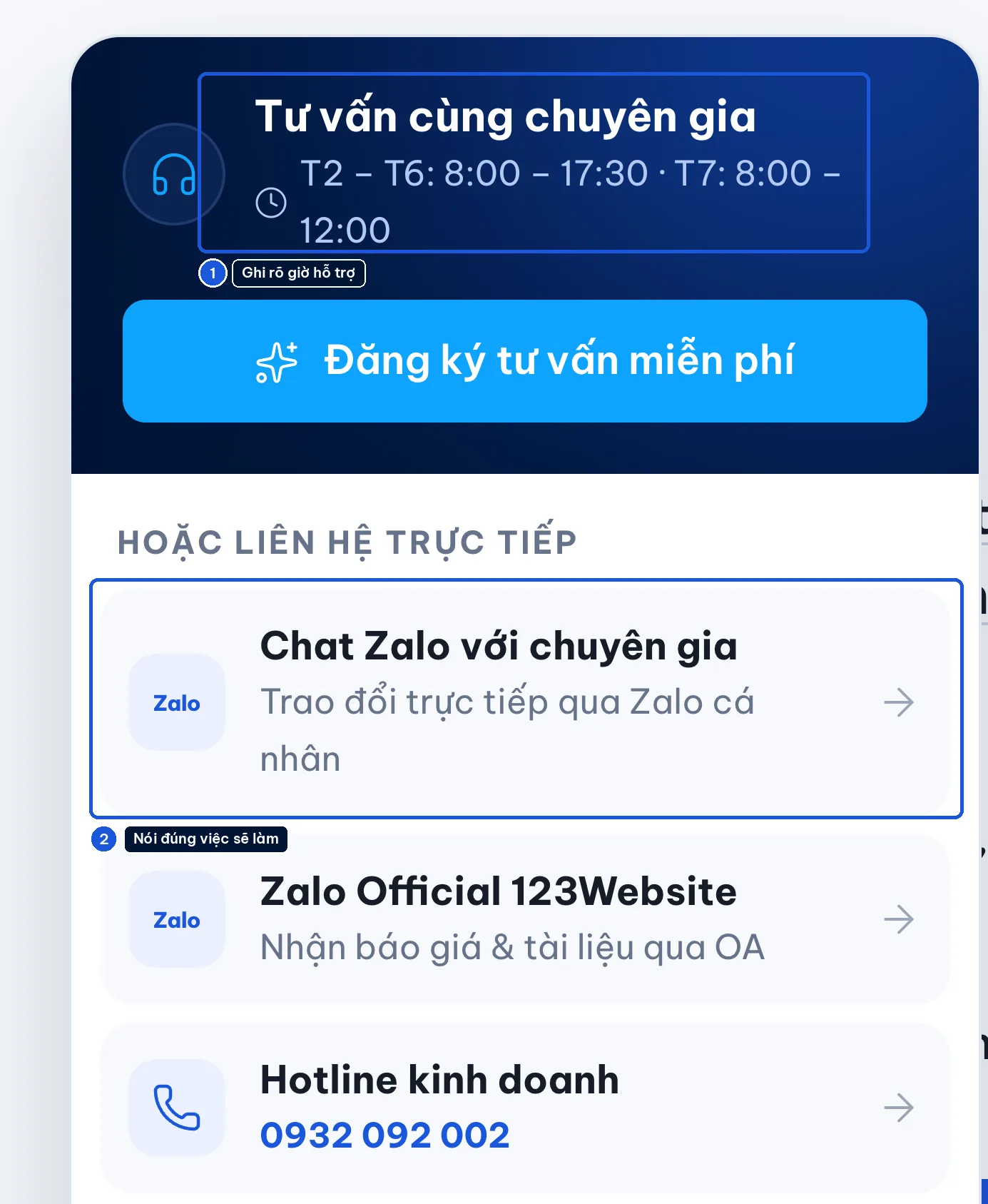
Note: Do not invite people to “claim a gift” when there is no real offer.
On a phone, a tap should open Zalo. A QR code fits better when the visitor is on a computer, or reading a printed piece.
Zalo for a conversation, a form to take the request
- Chat: customers choose it when they need a quick answer on whether a room, an item, or a time slot is still available.
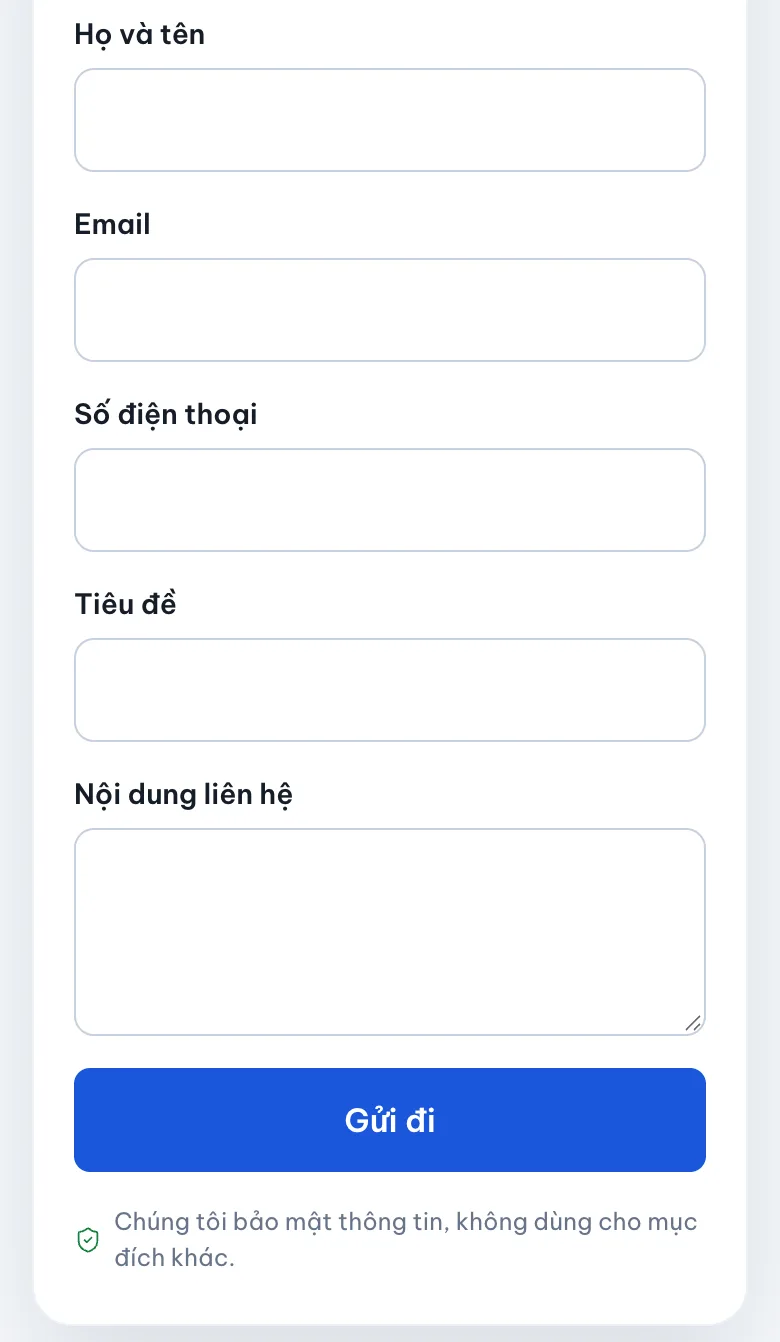
- Form: a better fit when you need a phone number, the request, and enough detail for the right person to call back.
Do not push every customer into one channel just because the business is used to that channel.
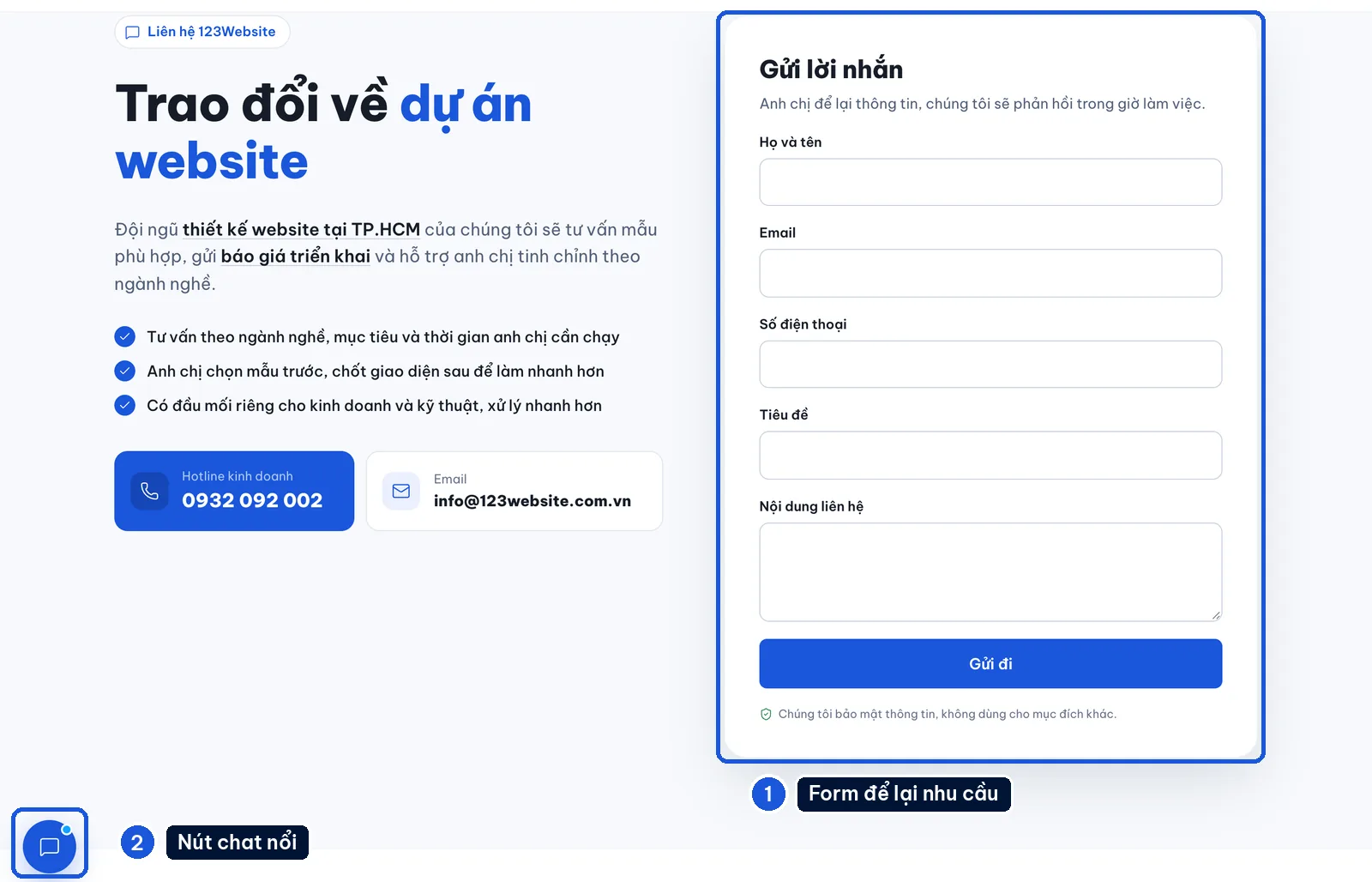
The form should ask only what you need to start the consultation. A restaurant page might ask for the date and the number of guests. A services page might ask for the need and the preferred way to reply.
If you are running ads, also see the guide on UTM tags and storing the form source.
Note: One tap on Zalo is not yet a conversation, and it is certainly not an order. To know the result, check with the person on duty.
Who is on duty matters more than button effects
- The owner’s personal number: convenient at the start, but easy to miss when that person is away.
- A shared number or a Zalo OA (Zalo Official Account): decide clearly who receives and handles messages.
- An automatic reply: it depends on the account type and the setup. Test it properly before you rely on it to greet people outside working hours.
Each time the number changes, check the website, the Facebook page, Google Maps, and any QR codes you have already printed. A button that still opens does not mean it opens the right account.
Before handover, test the following
- Several devices: tap it on an iPhone and on Android if you have both, and see whether it opens the right receiving account.
- Several pages: test the homepage, a product page, and a page with a form.
- A real send: submit the form and send one Zalo message, so the person in charge can confirm they arrived.
- A mobile network: see whether the button slows the page or covers content.
- Support hours: the out-of-hours notice has to match the business’s real duty roster.
123Website builds websites on WordPress. The GOLD package is currently listed at VND 4,990,000, and live chat is a line item on the pricing page.
Even so, the button type, the receiving account, and click tracking still need to be spelled out in each project’s scope. Not every widget has the same features.
Templates to compare: check the button on a phone as well
When you choose a template, open the demo on a phone and go through to the contact section. A screenshot does not show whether the button covers the form once the keyboard is open.
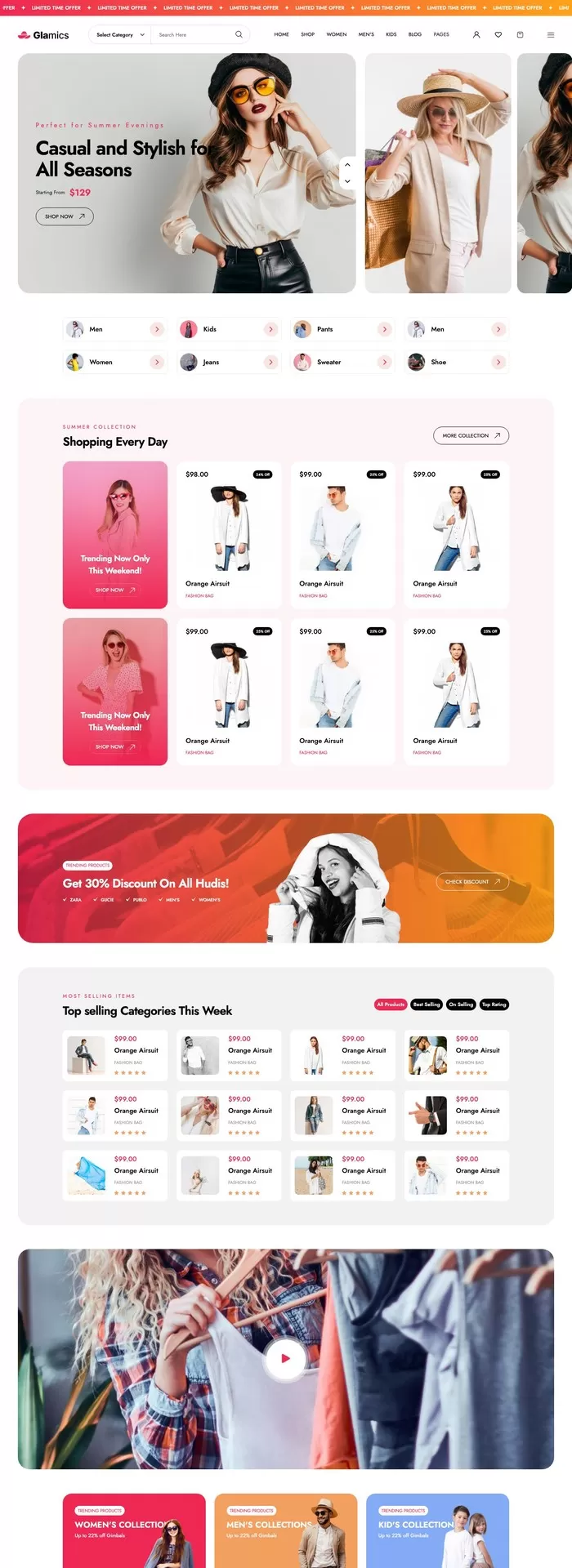
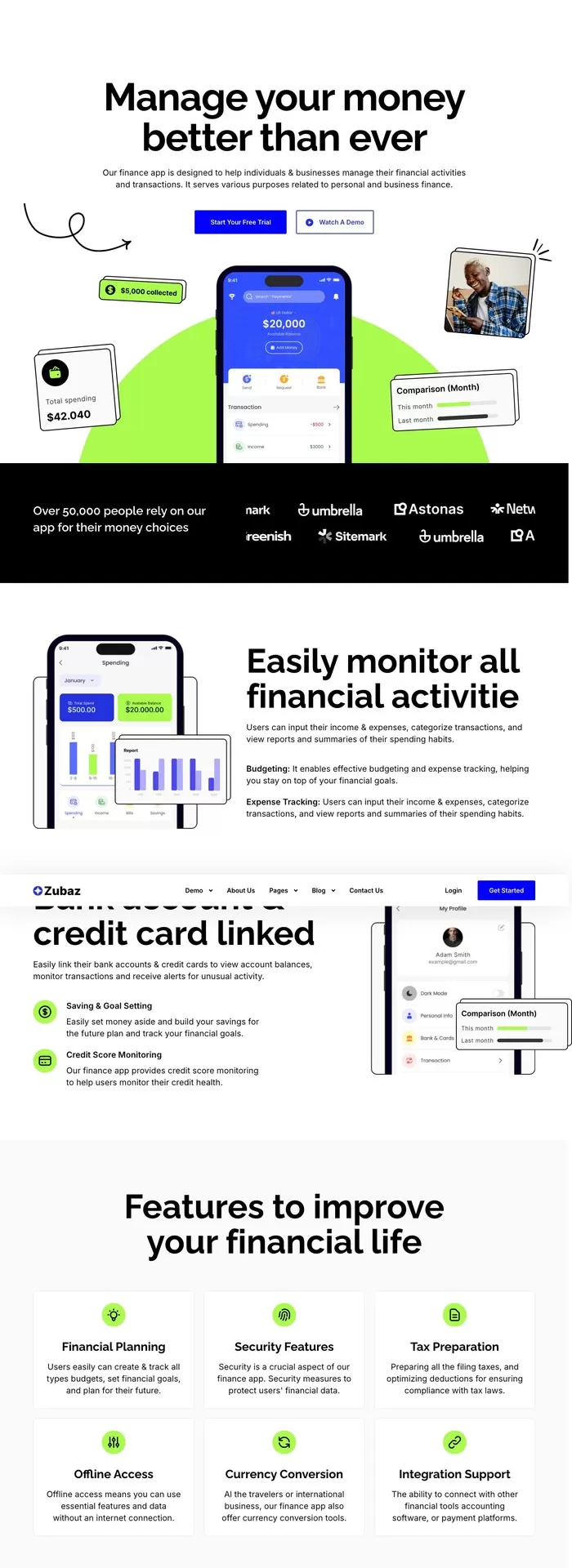
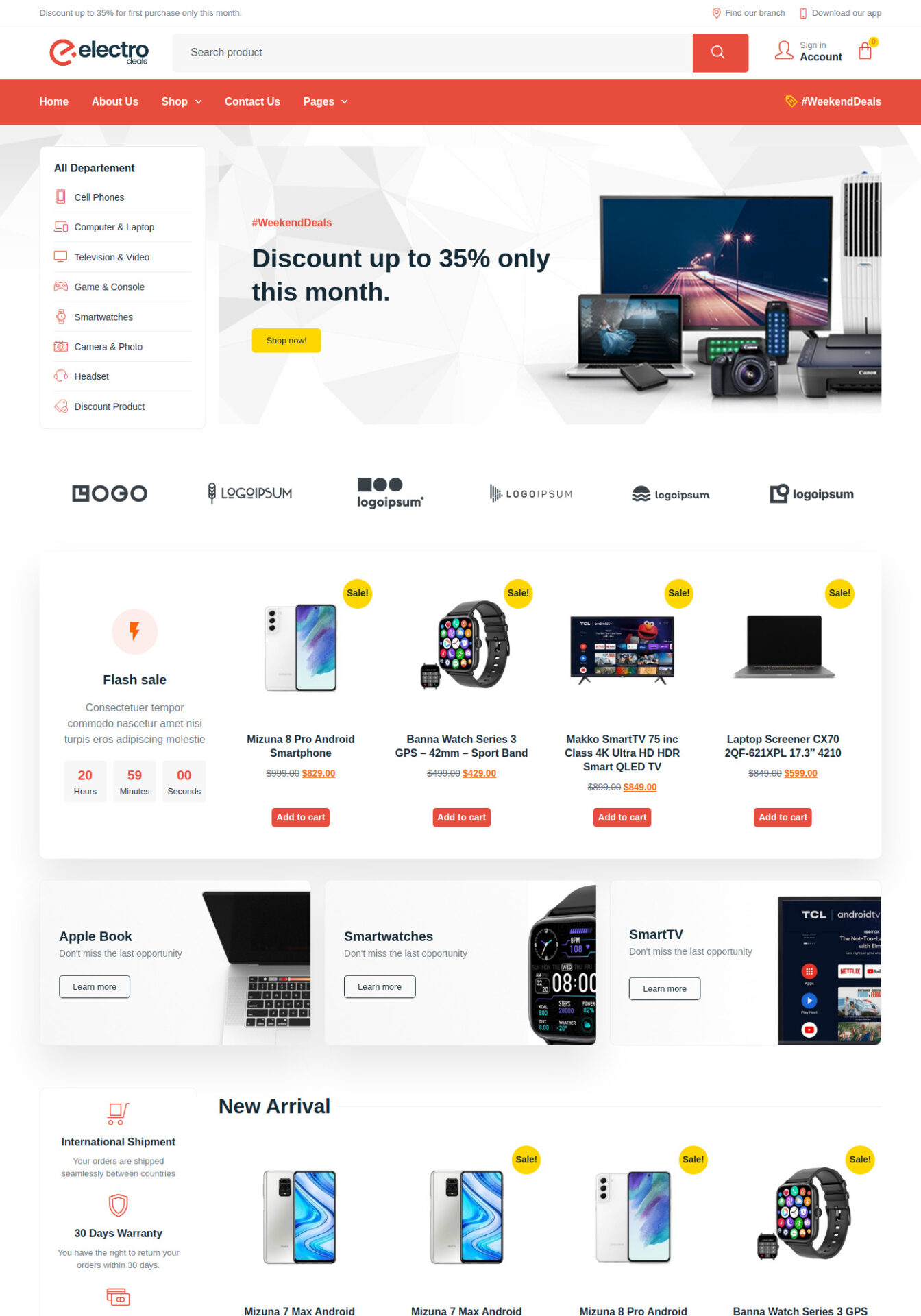


See also online store templates. For a restaurant, a hotel, or travel, the form should ask for the details your consultant actually needs.
A simple button, or a chat widget?
| Option | When to use it | What to check |
|---|---|---|
| A link button | You only need it to open your Zalo chat | That it opens the right receiving account |
| A chat widget | You need extra features | What it supports, what data it collects, and how it affects the page |
Do not install several tools at once and then have no way to tell which one caused the fault.
If the current button opens the wrong number, or covers the purchase action, send 123Website the URL and a screenshot from the phone. Describe when the fault appears, and the check can go straight to the problem.
The 123Website team. We have designed websites and business software since 2013, with 2,000+ projects delivered.