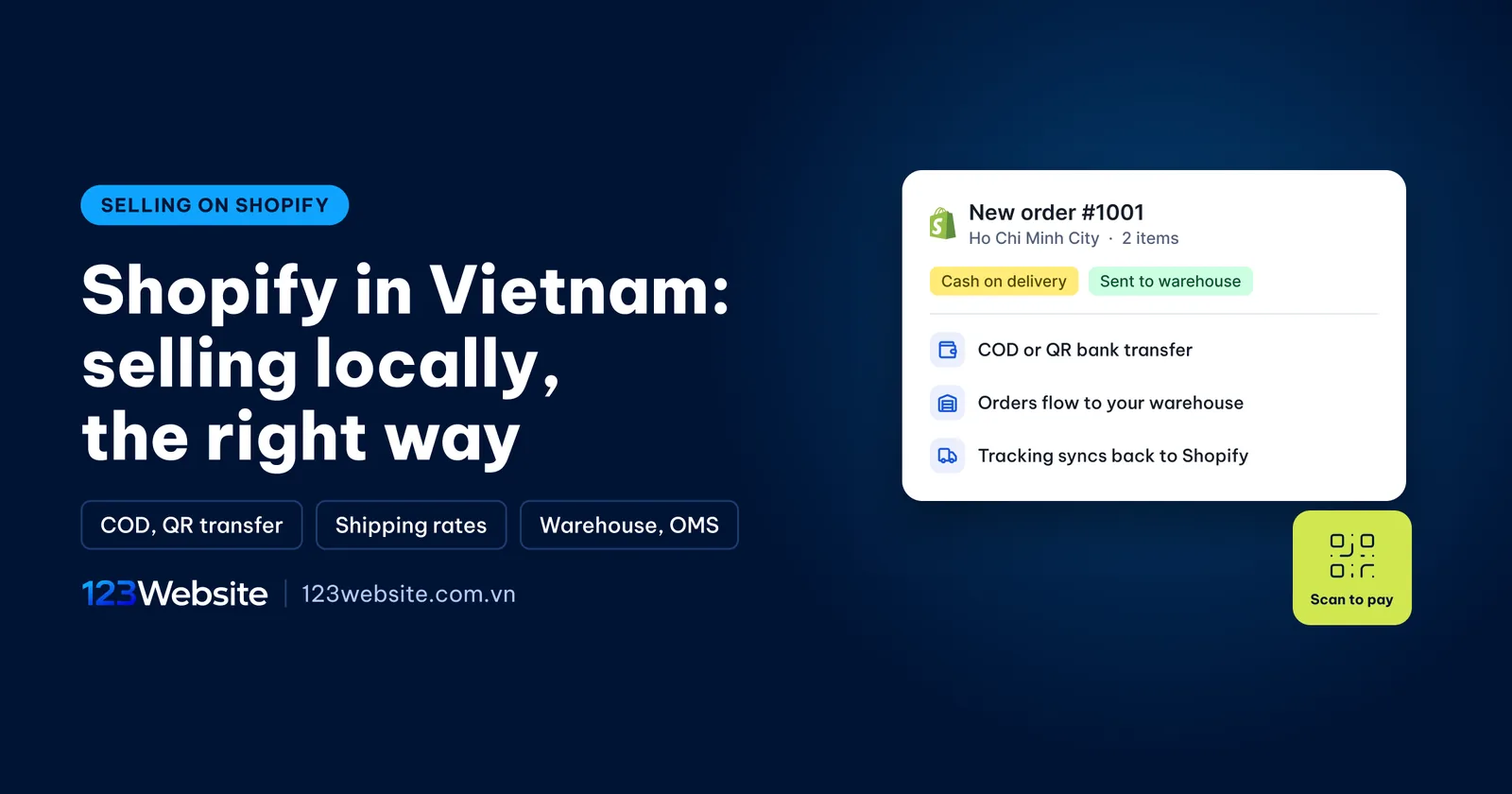
A cosmetics brand that already sells well on Vietnamese marketplaces, with stock in an outsourced warehouse, now wants a proper website of its own and is looking at Shopify. The first questions are always practical: does Shopify work in Vietnam, can it take cash on delivery, will orders reach the warehouse on their own, and what does it cost each month? This guide answers them in order, from payments and shipping to warehouse integration, costs and local paperwork.
Quick summary
- It works: you can sell inside Vietnam on Shopify; only Shopify Payments is not available.
- Getting paid: cash on delivery and QR bank transfer are the main methods, and Shopify charges no transaction fee on either.
- Costs: a monthly Shopify plan billed in USD, any paid apps, and a one-off fee to build the store.
Does Shopify work in Vietnam?
Yes. A business based in Vietnam can sign up, open a store and sell on Shopify, even when every customer is local. Shopify is a subscription platform: you pay a monthly fee to use its infrastructure, while hosting, security, SSL and checkout are all run by Shopify. There is no server to manage and no software to update, unlike a self-hosted website.
What gives people pause is that Shopify is built first for international markets, so a few of its most convenient features are not yet available in Vietnam. The biggest one is Shopify Payments, Shopify’s own payment gateway, which only supports a list of countries that does not include Vietnam. Shopify’s shipping label service does not work with local carriers either. Selling locally on Shopify is not hard, but you do need to set it up correctly from day one.

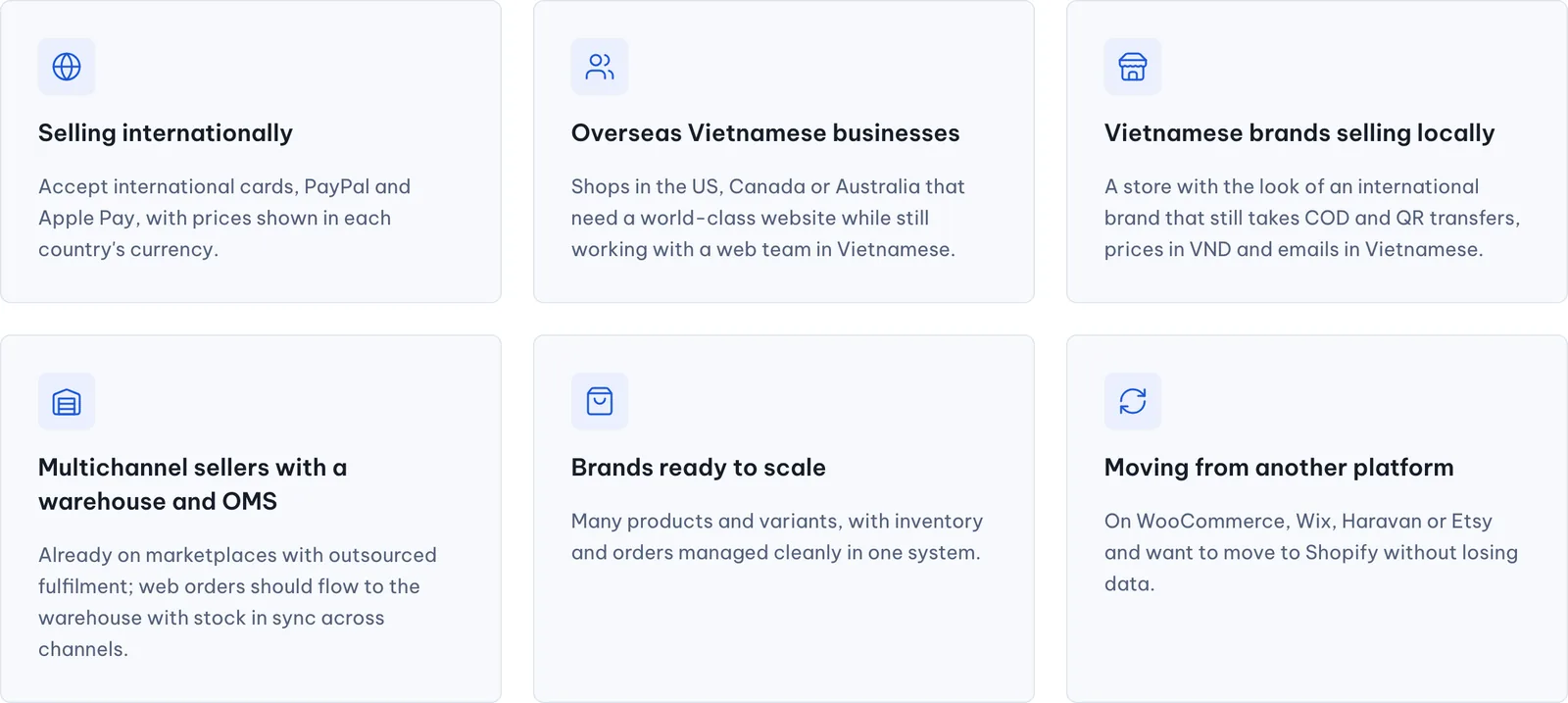
Shopify suits brands that are focused on selling: they want a storefront with the look of an international brand, they have many products and variants, and they want orders managed cleanly in one system. If the website is mainly there to present the company and publish articles, WordPress is usually more flexible and cheaper. The platform comparison further down will help you decide.
Shopify payments in Vietnam: COD, QR transfer and third-party gateways
Payments are the first thing to settle, because they shape both the customer experience and your costs. Most local orders go through two familiar routes, cash on delivery and bank transfer, with cards and e-wallets coming after.
Shopify Payments is not available in Vietnam
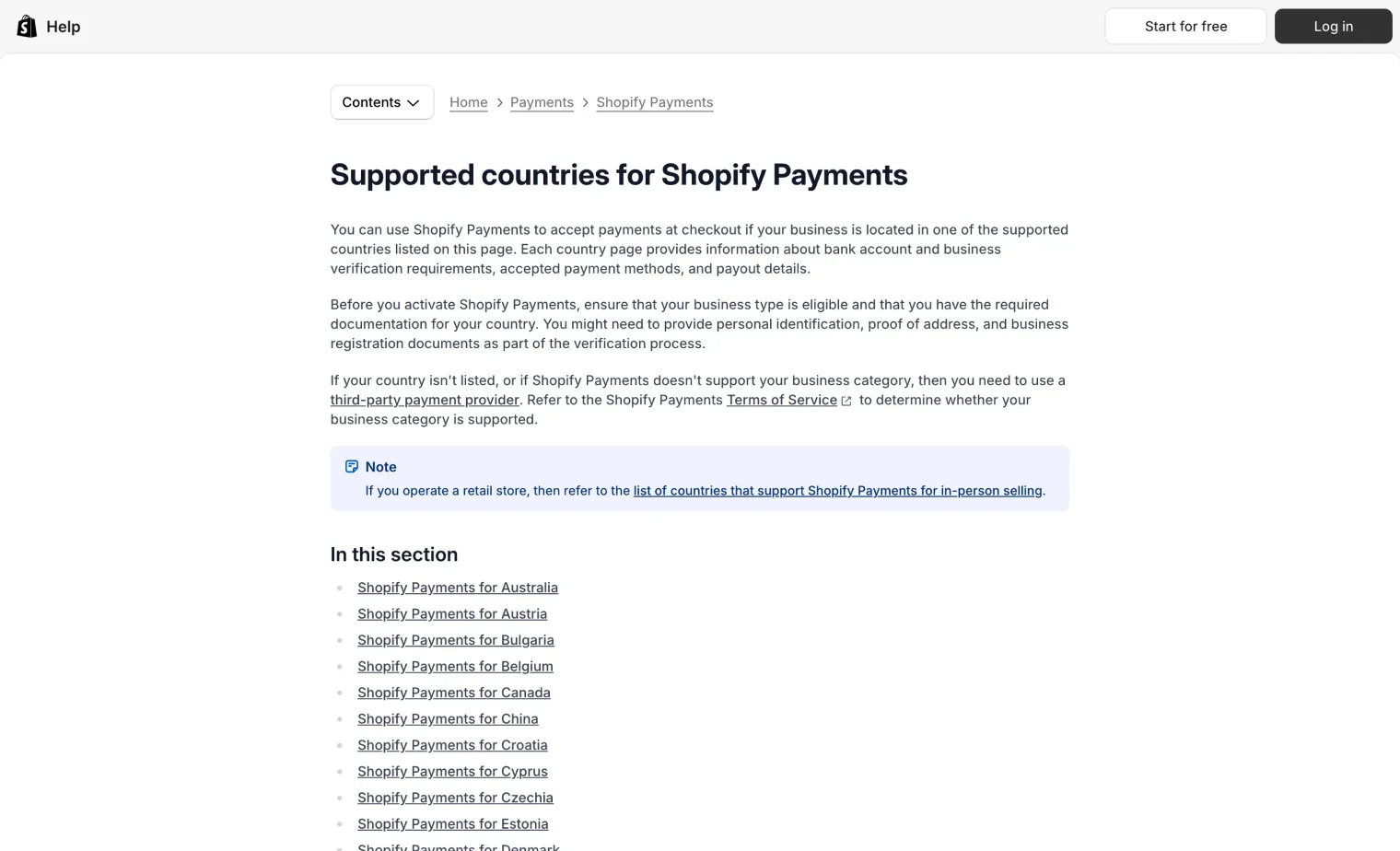
According to Shopify’s help center, Shopify Payments is only available in a set of countries such as the US, Canada, Australia, Singapore and much of Europe. A business registered in Vietnam will not see it in its payment settings. As a result, related options such as Shop Pay and direct card payments through Shopify cannot be turned on, and every order paid through an outside gateway carries an extra Shopify transaction fee. The fee levels are in the cost section below.
Shopify COD and QR bank transfer
Shopify comes with a group of “manual payment methods”, including cash on delivery and bank deposit. You turn them on under Settings, Payments, Manual payment methods, then write instructions for the customer, such as the account number, company name and transfer reference. The key point is that Shopify charges no transaction fee on manual methods, which makes them the lowest-cost way to get paid when selling locally.
For bank transfers, put the bank QR code on the thank-you page and in the order confirmation email, so customers can scan it in their banking app instead of typing the account number. You also need a clear reconciliation routine: who checks that the money has arrived, when an order is marked as paid, and how long an unpaid order stays open before it is cancelled. Without it, the warehouse may ship orders that have not been paid.

Third-party gateways for cards and e-wallets
To accept Visa, Mastercard or e-wallets, you connect a third-party payment gateway that supports Shopify. In Vietnam, ZaloPay became the first local e-wallet to offer a gateway on Shopify, as Nhan Dan newspaper reported in 2023; a number of international gateways also accept Vietnamese businesses.
Each gateway has its own fees and payout times, on top of the transaction fee Shopify charges by plan, so it is worth running the numbers on your average order value before switching one on.
The table below summarises the three groups of payment methods used for local sales:
| Method | How it is set up on Shopify | Shopify transaction fee | Best when |
|---|---|---|---|
| Cash on delivery | Manual payment method | None | Customers prefer to pay on receipt, moderate order values |
| QR bank transfer | Manual payment method with a QR code | None | Customers are used to transfers, higher order values |
| Cards, e-wallets | Third-party gateway that supports Shopify | Yes, by plan | Instant payment, younger buyers, overseas buyers |
Shipping on Shopify for deliveries inside Vietnam
Shopify does not connect to Vietnamese carriers out of the box, so shipping comes down to two jobs: setting the shipping rates customers see at checkout, and getting each order to the carrier. The first is done inside Shopify; the second depends on how you run fulfilment.

Shipping rates live under Shipping and delivery: you create a shipping zone for Vietnam, then set a flat rate, weight-based rates or rates by order value. Weight-based rates track real costs most closely, but they only work if every variant has the correct weight. You can also set free shipping above a certain order value, something customers often look for before they buy.
Getting orders to the carrier usually happens in one of three ways. You can create shipments by hand on the carrier’s website, which only works at a few orders a day. Some carriers and middleware providers offer Shopify apps that create shipments automatically. If you already use a fulfilment warehouse or an order management system (OMS), orders go through the warehouse and it hands parcels to the carrier, as described in the next section.
For COD orders, ask your carrier about the payout cycle for collected cash and how returned parcels are handled. Slow COD payouts and a high return rate are the two things that hit a new store’s cash flow hardest.
Connecting Shopify to your warehouse, OMS and marketplaces
For a brand that already sells across channels, the most important question is not the design but whether website orders reach the warehouse on their own. Keying orders by hand from Shopify into the warehouse system costs staff time, invites mistakes, and lets stock levels drift between the website and the marketplaces.
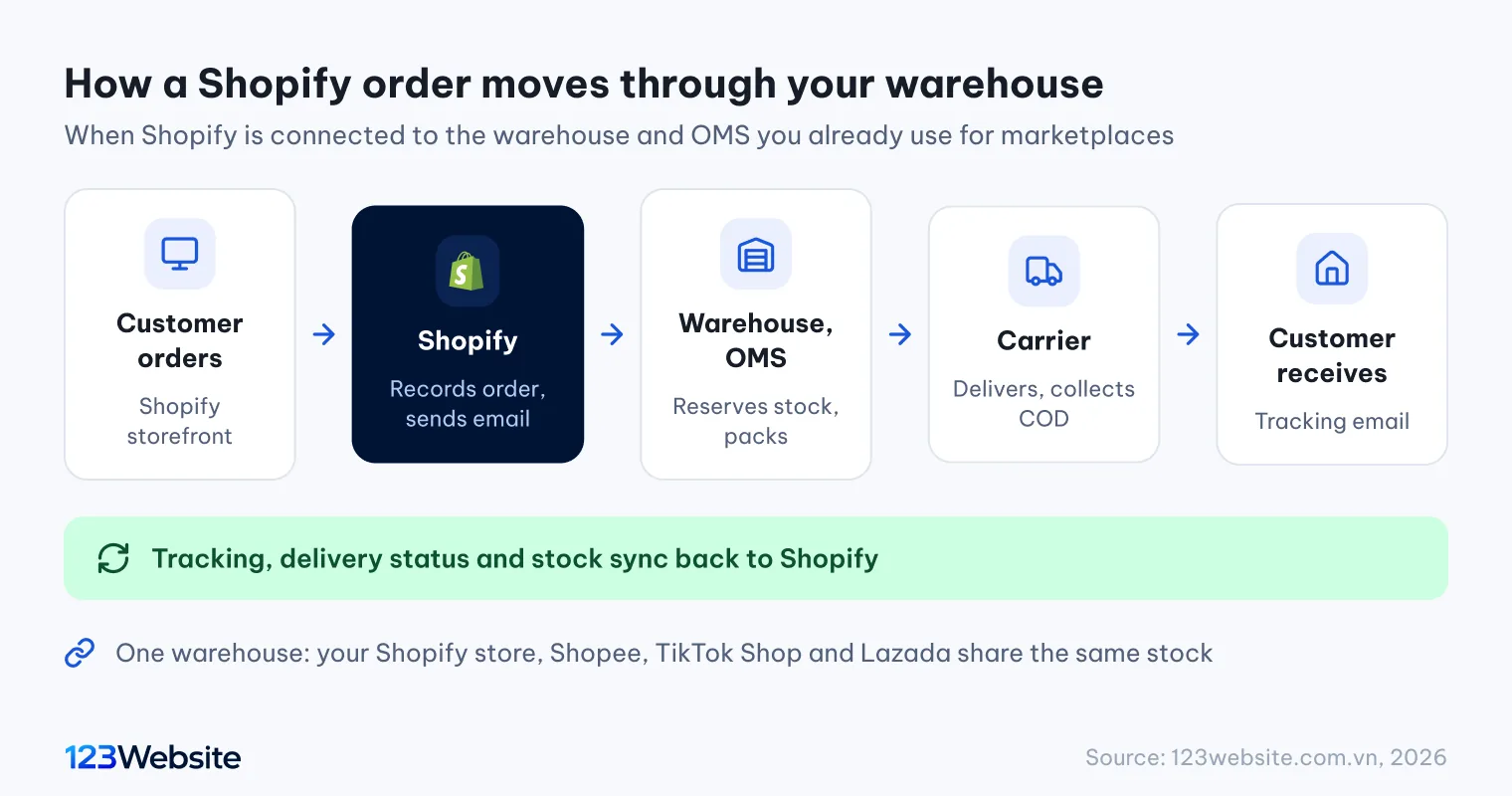
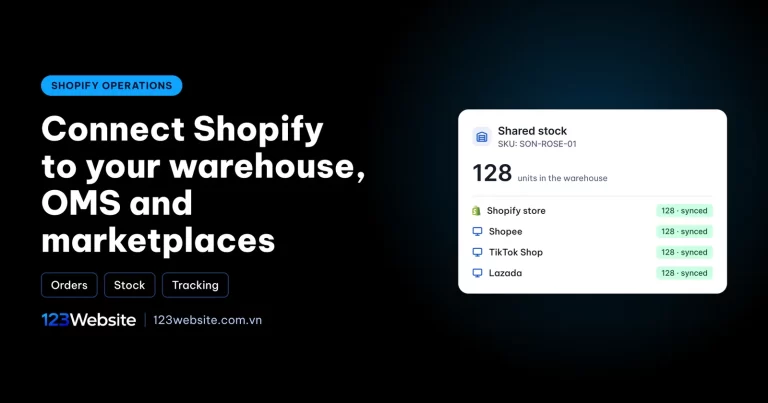
Many warehouse and OMS systems now offer a Shopify connector. Set up properly, a new website order flows straight to the warehouse, which reserves the stock, packs the parcel and hands it to the carrier. The tracking number and delivery status then sync back to Shopify, and the customer receives a tracking email in Vietnamese. Stock levels are pushed back to the website and the marketplaces too, so nobody orders an item that has already sold out.
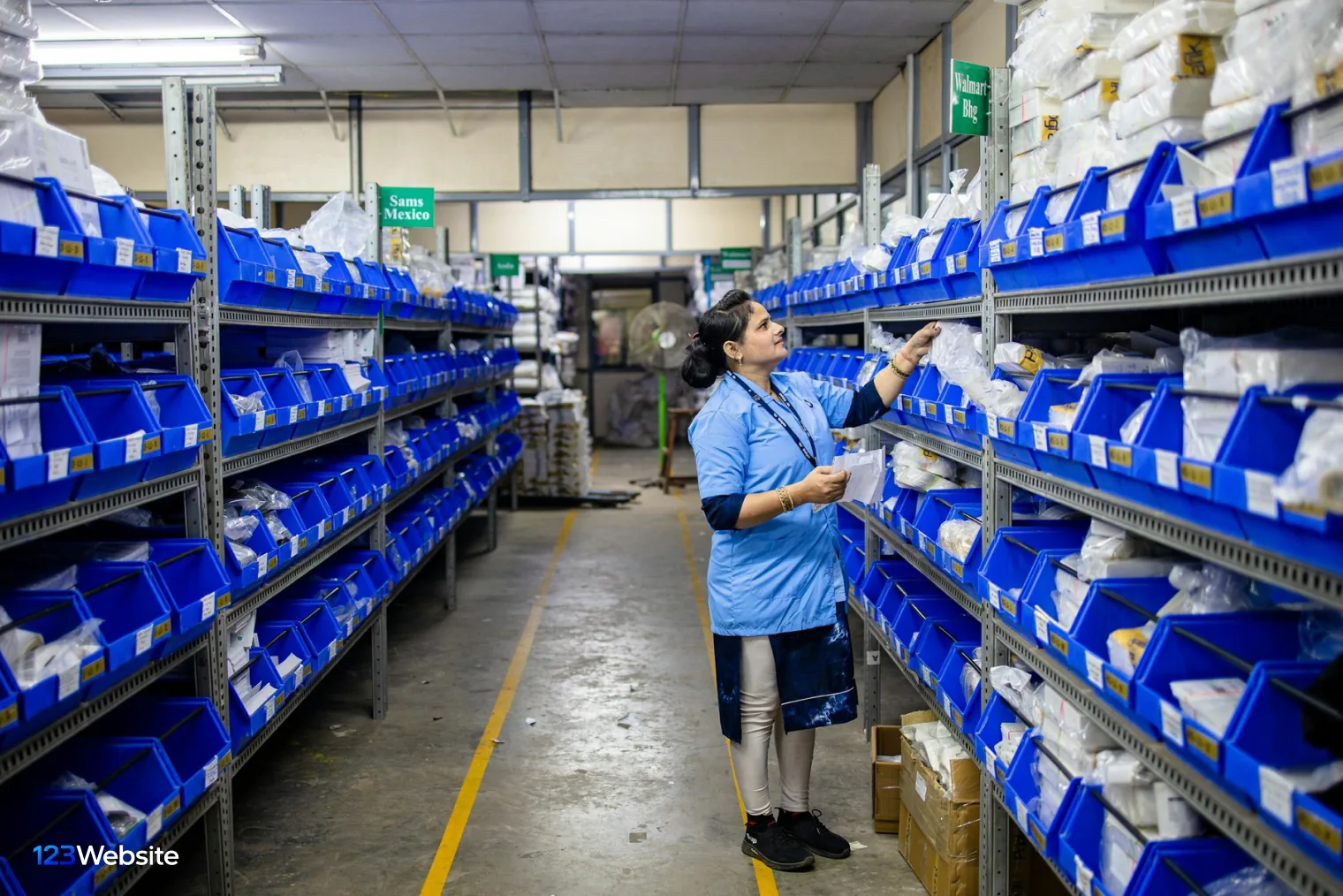
Before you start, ask your fulfilment partner four questions: which data the Shopify connector syncs, whether it syncs one way or both ways, how cancellations and returns are handled, and whether there is setup documentation. Some systems pull orders in without pushing stock back out, in which case you need another way to update inventory. SKUs, the unique code for each product or shade, must match exactly between Shopify and the warehouse system for the two to understand each other.
The 123Website view: Recent Shopify enquiries we have received include local brands that already use an outsourced warehouse and an OMS linked to marketplaces. The first thing they ask, before any design question, is “will web orders go to the warehouse automatically?”. So before we quote, we confirm with the warehouse exactly what its Shopify connector syncs, write that scope into the specification, and place test orders before launch.
Localising the store: storefront, checkout, emails and VND pricing
Vietnamese shoppers buy with more confidence when everything is in Vietnamese, from the add-to-cart button to the order confirmation email. Shopify makes this possible, but the settings are spread across several places.
First, set Vietnamese as the store language and the Vietnamese dong as the store currency; Shopify’s checkout then appears in Vietnamese and prices show in VND. Next come the words inside the theme: button labels, cart messages, filter names. Purchased themes are often only partly translated, so you will need to review them in the theme’s language editor. Finally there are the notification emails, such as order confirmation, shipping, delivered, cancellation and refund; each is worth rewriting in your brand’s voice.
For cosmetics or fashion stores, product pages need details that a standard theme has no place for. Shopify handles this with metafields, custom data fields attached to a product: ingredients, how to use, the cosmetic product notification number, a size chart. Once the fields exist, staff simply fill them in and the theme shows them in the right place, with no copying into the product description. Product photos should also be shot per shade and attached to each variant, so customers see the right colour when they tap a swatch.

What does selling on Shopify in Vietnam cost?
The cost of Shopify for local sales has two parts: what you pay Shopify every month, and what you pay once to have the store built. Keeping the two apart lets you compare platforms fairly.
What you pay Shopify is the subscription plus any transaction fees. According to Shopify’s pricing page, checked on 23 October 2026, the Basic plan costs about USD 19 to 25 a month and Grow about USD 49 to 65, depending on annual or monthly billing; prices can vary by region, so check again when you sign up. With an outside payment gateway, Shopify adds a transaction fee of 2% on Basic, 1% on Grow and 0.6% on Advanced for every order, while COD and bank transfers carry no such fee. The plan is billed in USD to a company card that works internationally.
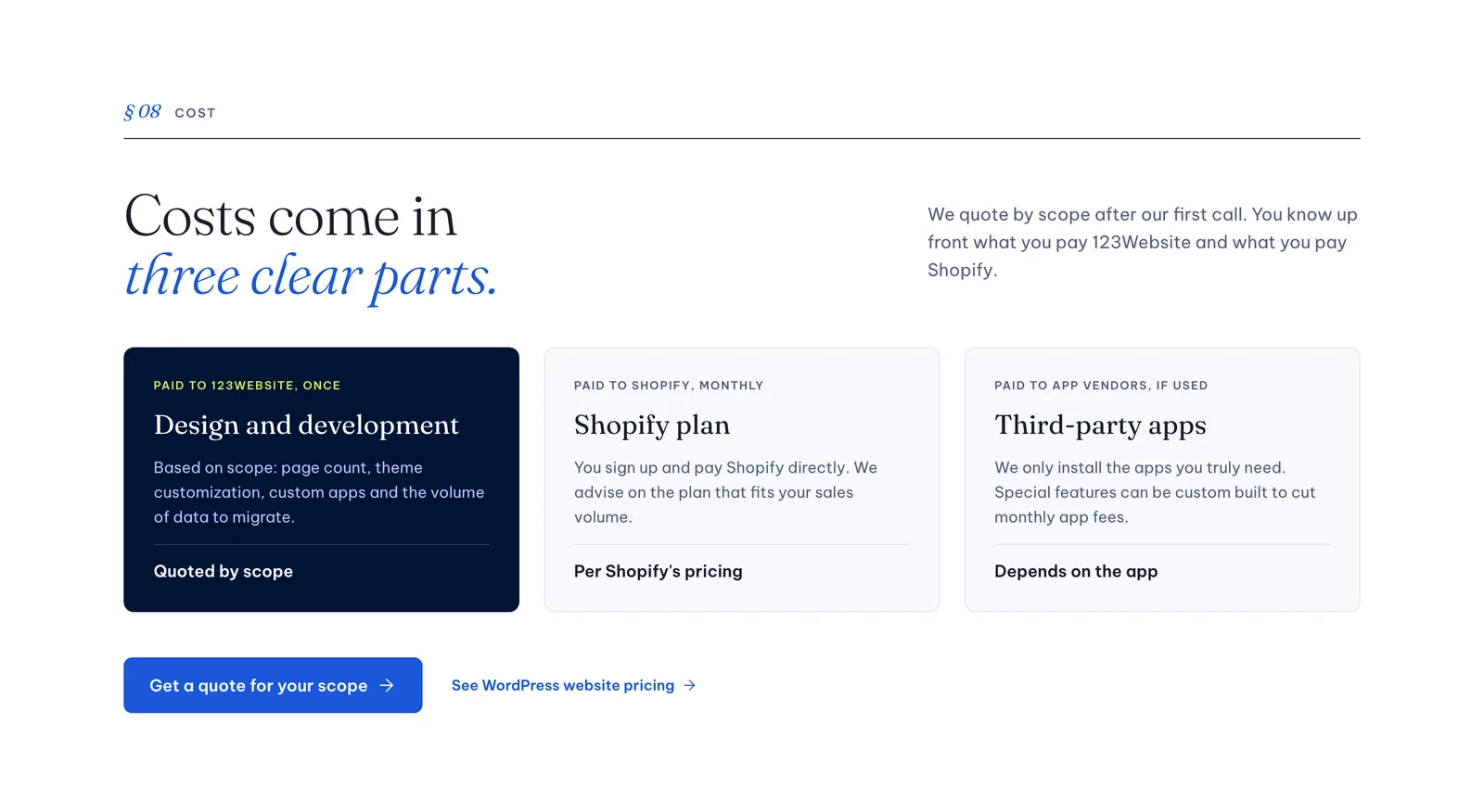
On top of the plan, you may pay for apps, a theme and a domain. Many apps charge monthly, so install only what you really need; a one-off custom feature sometimes costs less than years of app subscriptions. Themes can be free, a one-off purchase from the Theme Store, or custom-built from a design. The domain is bought separately and pointed to Shopify, at the registrar’s rates, for example 123Website’s domain prices.
Building the store is a one-off cost that depends on whether you use a ready-made theme or a custom design, the number of pages, the product data and the warehouse integration. For a first estimate of what a sales website costs in general, try the website cost calculator, then compare it with a Shopify quote for your scope.
Paperwork for opening a Shopify store in Vietnam
Any business selling through its own website in Vietnam must notify the Ministry of Industry and Trade, and that includes stores running on Shopify. You do this on the E-commerce Activity Management Portal, and once it is confirmed you display the “Đã thông báo” (Notified) badge in the store footer. First-time buyers often look for this badge and the company details before deciding whether to trust a store.
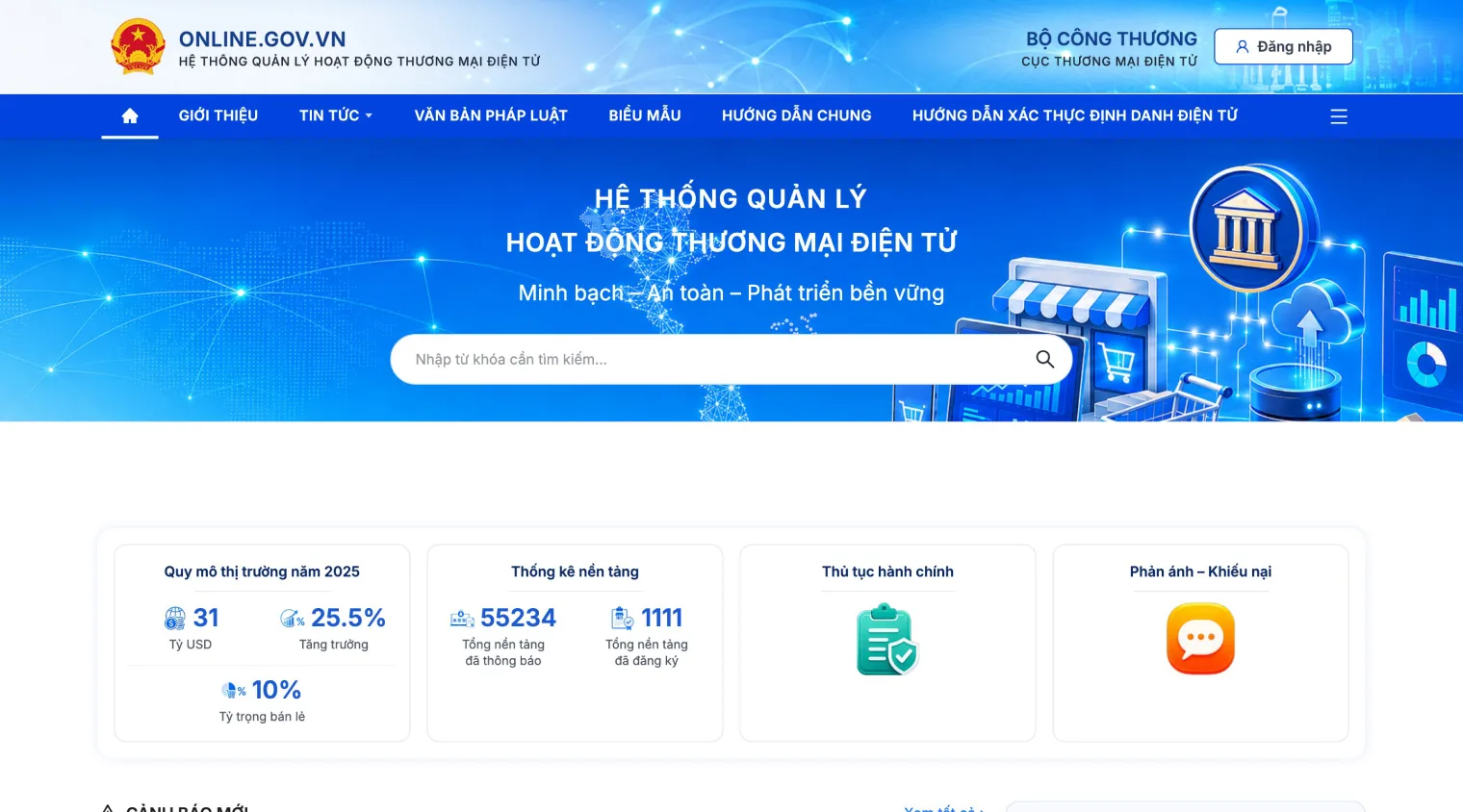
The application usually needs company details, the domain, a description of the goods and the sales policies published on the website: returns, shipping, payment and privacy. Write all the policy pages before you apply. For regulated categories such as cosmetics or food, prepare the product paperwork as well, for example the cosmetic product notification or the brand owner’s distribution authorisation.
Shopify, Haravan, Sapo or WordPress for selling in Vietnam?
Shopify is not the only option, and for some businesses another platform fits better. The table below compares four common choices from the point of view of selling inside Vietnam:
| Criteria | Shopify | Haravan, Sapo | WordPress + WooCommerce |
|---|---|---|---|
| Local payments | COD, bank transfer; cards and wallets via third-party gateways | Many local gateways built in | COD, bank transfer, local gateways via plugins |
| Local shipping | Via apps or via the warehouse and OMS | Many local carriers built in | Via plugins or via the warehouse and OMS |
| Design | Large theme store, easy to give an international brand look | Themes made for the Vietnamese market | Highly flexible, depends on the developer |
| Selling abroad | Strong: multi-currency, multi-language | More limited | Possible, with extra plugins |
| Running costs | Monthly plan in USD, apps | Monthly plan in VND | Hosting, paid plugins if used |
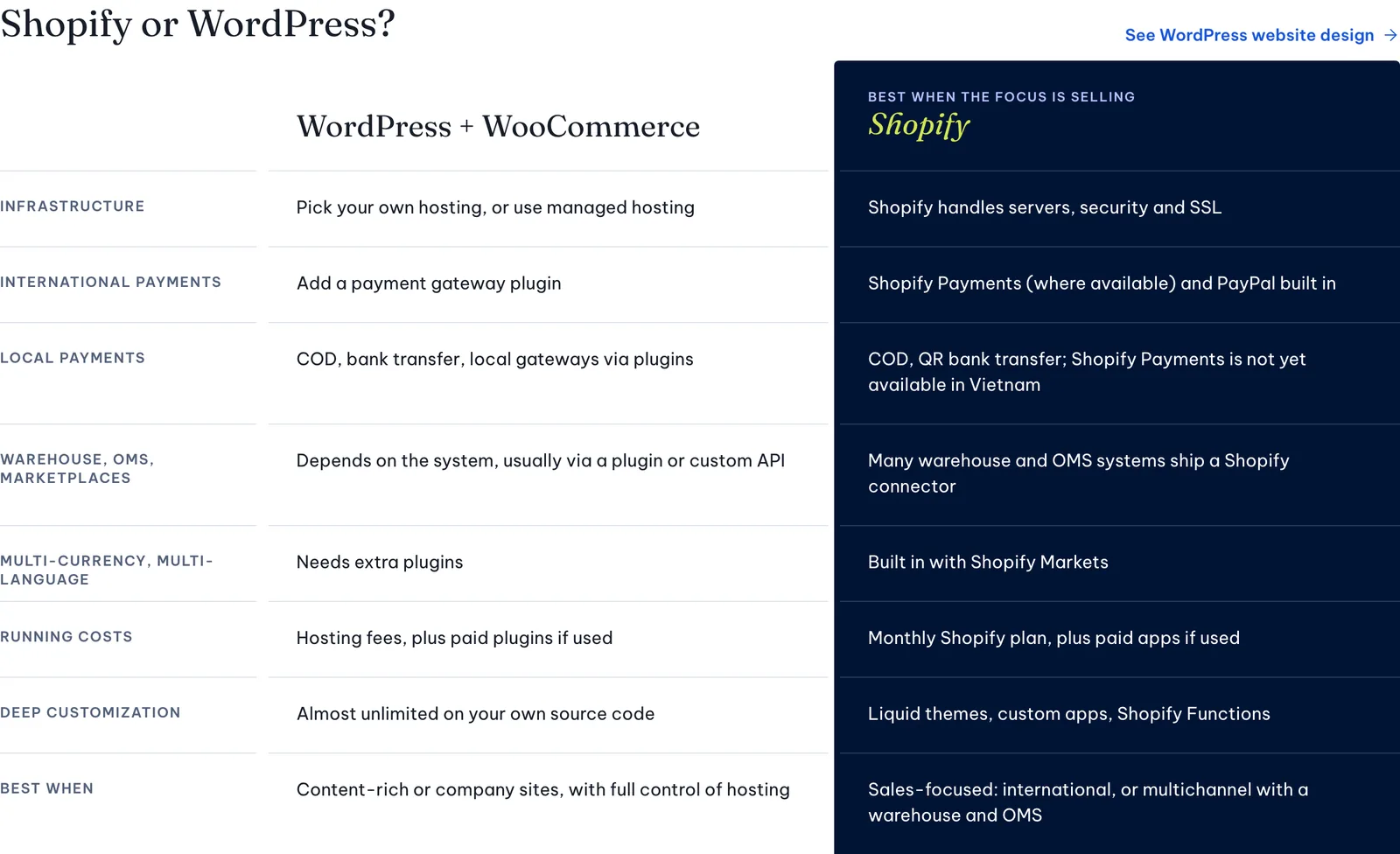
In short, Shopify fits when brand presentation matters, when you plan to sell abroad, or when your warehouse system already connects to Shopify. Haravan and Sapo are convenient when you want everything pre-connected to local services and billed in VND. WordPress fits when the site is content-heavy, needs deep customisation or you want control over hosting, as with the WooCommerce website templates offered by 123Website.
Steps to open a Shopify store for the Vietnamese market
Once you have chosen Shopify, work through the steps below in order to avoid redoing work. You can do each one yourself, but the warehouse and payment steps are best done with someone experienced.
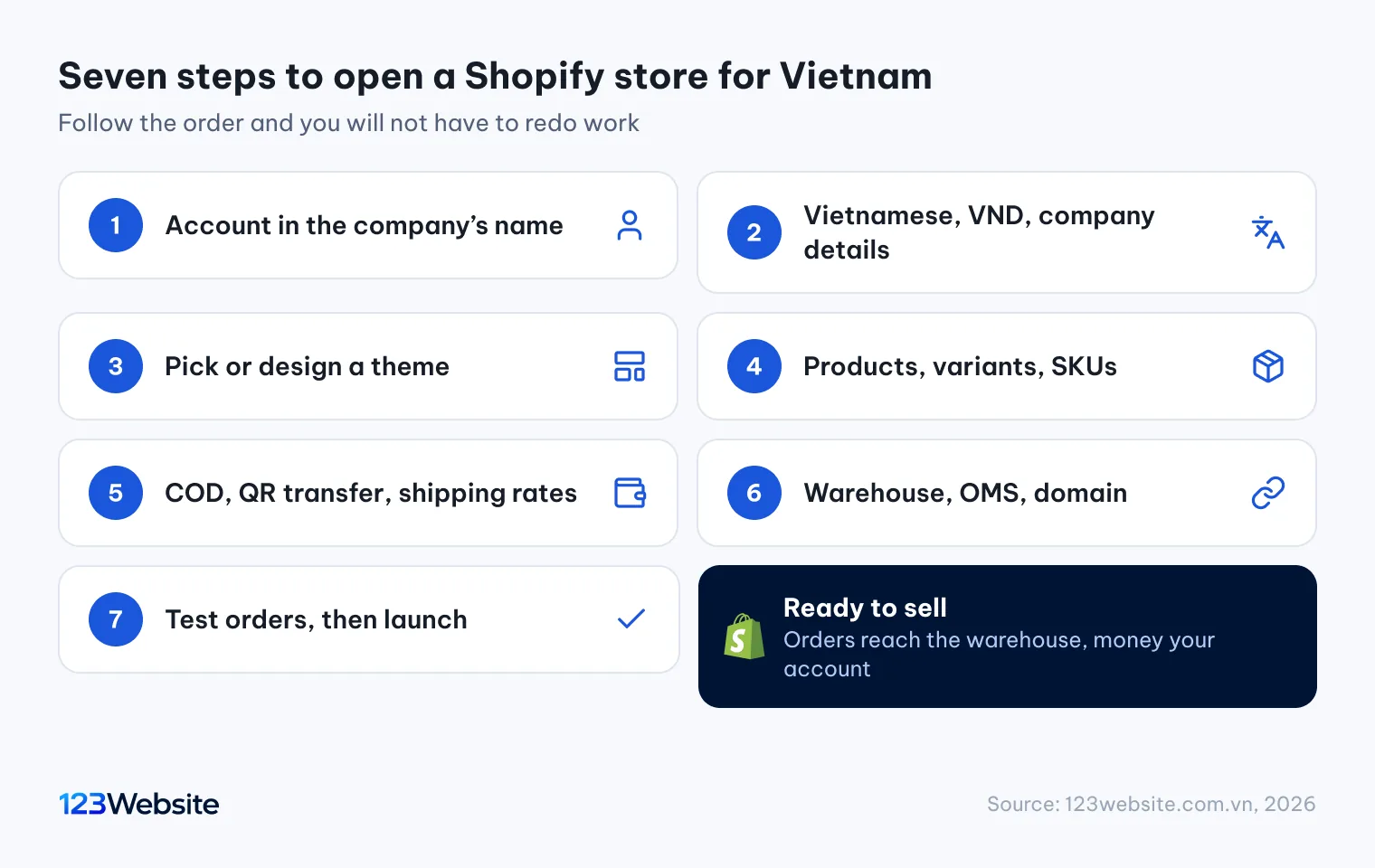
- Open the account in the company’s name: use a company email and company card, so the store belongs to the business from the start.
- Set language, currency and company details: Vietnamese, the Vietnamese dong, the address and tax code that appear on invoices and emails.
- Choose or design a theme: a ready-made theme to launch quickly, or a custom design if you need a distinctive brand look.
- Add products and variants: photos for each shade, weights, SKUs that match the warehouse, and metafields for category-specific details.
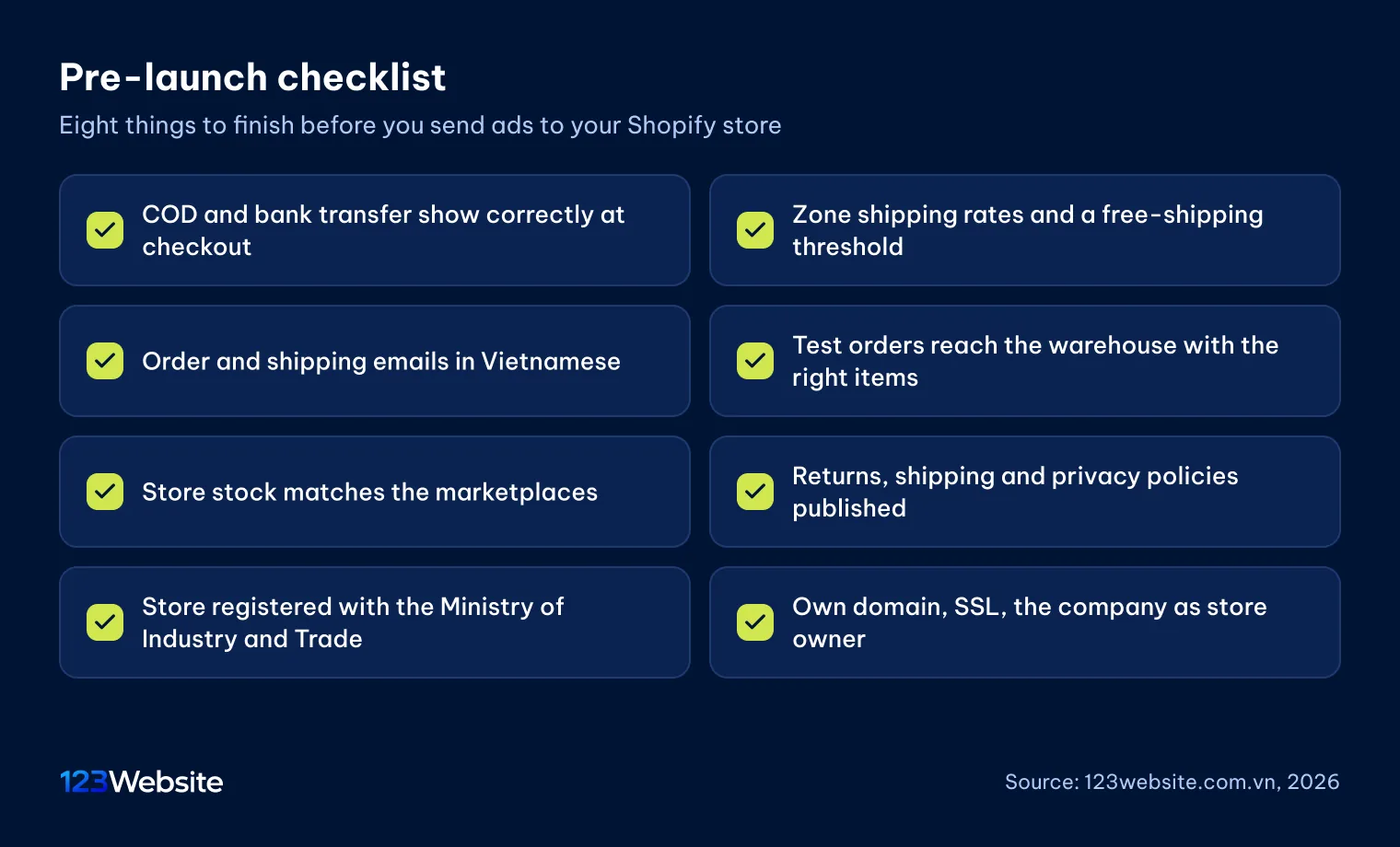
- Set up payments and shipping: turn on COD and bank transfer with a QR code, create the shipping zone and rates.
- Connect the warehouse, OMS and domain: link the store to the warehouse system, point your own domain to Shopify and check SSL.
- Place test orders before launch: test COD, bank transfer and cancellations, and check that orders reach the warehouse and emails read correctly.
The seventh step is the one most often skipped, yet it is the least costly moment to find mistakes. An order stuck at the warehouse or an email in the wrong language takes minutes to fix before launch.
Common mistakes when selling locally on Shopify

Most problems in a new Shopify store come from a handful of repeated habits. A few mistakes worth avoiding from the start:
- Opening the account with a staff member’s or agency’s personal email, so nobody holds store ownership when people change.
- Turning on an outside payment gateway without counting the Shopify transaction fee, then finding the cost per order higher than planned at the end of the month.
- Using different SKUs in Shopify and in the warehouse system, so orders reach the warehouse without matching products.
- Installing too many apps for small jobs, which adds monthly fees and slows the store down.
- Launching before the policy pages are published and the store is registered, which makes first-time buyers hesitate.
These mistakes cost little to avoid at the start, but fixing them once the store is live means pausing sales or reworking data. If you already have an older website, run it through the free website checker to see its speed and basic issues.
Shopify website design by 123Website
If you would rather not configure everything yourself, 123Website offers Shopify website design end to end: design in Figma, theme development, product setup, local payments and shipping, warehouse and OMS integration, and basic SEO. The store and domain are registered to your company, and we work through collaborator access. If you need a WordPress website instead, see our website design pricing and website design process.
Frequently asked questions
Does Shopify support Vietnamese?
Yes. When Vietnamese is set as the store language, checkout and notification emails appear in Vietnamese. Words inside the theme, such as buttons, labels and cart messages, are edited in the theme’s language editor, and the admin can be switched to Vietnamese in your account settings.
Can Shopify take payments in VND?
Yes. With the Vietnamese dong set as the store currency, prices, shipping and order totals all show in VND. The Shopify plan itself is billed in USD to the company’s international card, so you need a Visa or Mastercard that works online.
Without Shopify Payments, how do I get paid?
The most common methods are cash on delivery and bank transfer. The carrier collects COD and pays it out to your account, while bank transfers go straight to the company. To accept cards or e-wallets, connect a third-party payment gateway.
Should I open a Shopify store if I already sell on marketplaces?
Yes, if you want a sales channel that carries your brand, avoids marketplace commission and keeps customer data. Marketplaces bring ready-made traffic, while a website has to attract its own through ads, SEO and social media, so many brands run both from one warehouse.
Does a Shopify store in Vietnam need to register with the Ministry of Industry and Trade?
Yes. Any business selling through its own website in Vietnam must notify the Ministry of Industry and Trade on the E-commerce Activity Management Portal, whatever platform the site runs on. Once confirmed, you display the Notified badge in the store footer.
Start from how you already sell
Shopify works well for selling inside Vietnam once three things are set up properly: COD and bank transfer for payments, sensible shipping rates, and a connection to the warehouse you already use. The rest is a storefront good enough to earn trust in your brand, and the paperwork that lets the store operate properly.
If you are weighing up a Shopify store and want someone to look at how you sell today, we are happy to talk on +84 932 092 002 (phone, Zalo or WhatsApp), or you can leave your details on our contact page. You can also browse our website design services and past projects first.
Jollie specializes in business digitalization, advising on digital solutions and management software suited to each stage of a company's growth. With more than 5 years of experience running online marketing for…