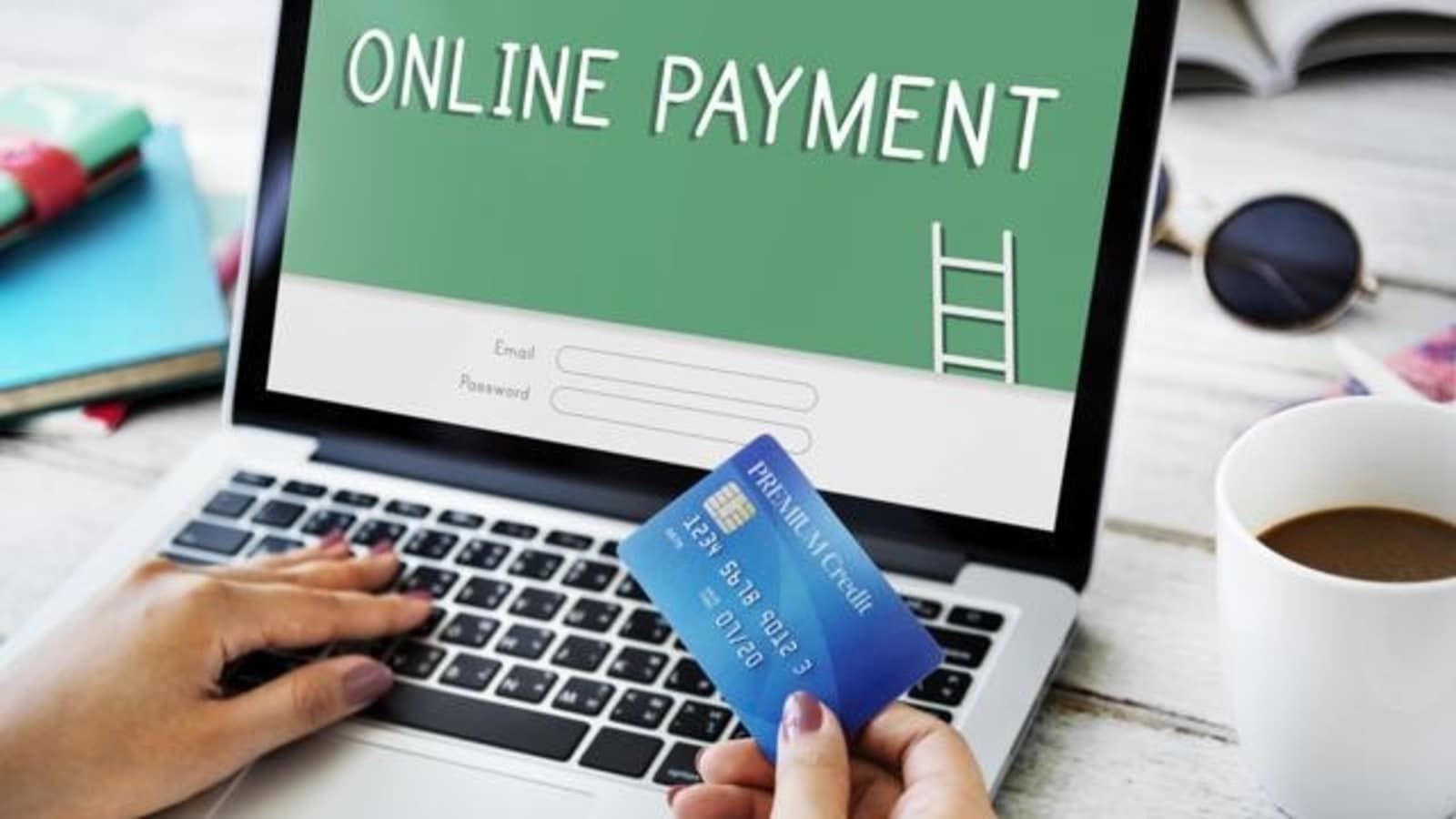
Adding online payments to your website gives customers a convenient, flexible way to pay. It saves them time, and it makes the transaction history easy to check. As technology has spread and shoppers have gotten used to it, online payment methods have become common. The digital shift, and the pandemic years, pushed the move to take payments on the website much further.
Benefits of taking online payments on your website
In recent years, paying on a website has become common, and more shoppers prefer it. As technology and the internet have grown, shopping and paying online have become part of everyday life. That raised the need for online payment methods people can trust and use without fuss.
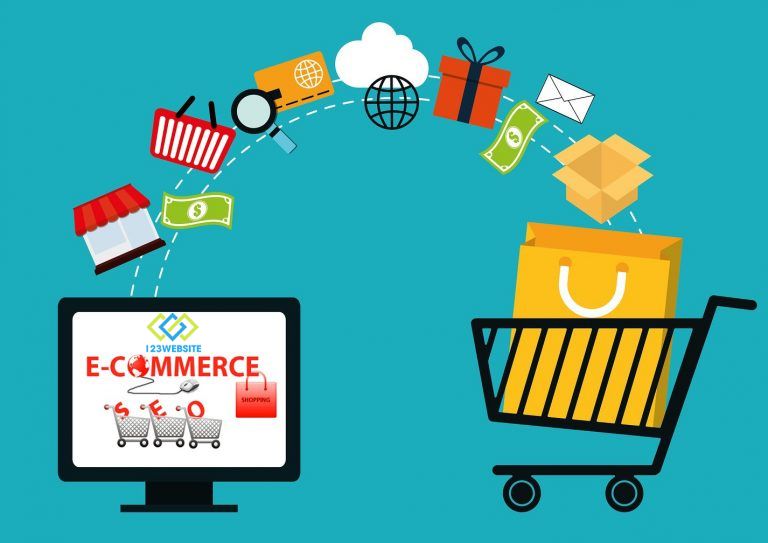
The clearest benefit is convenience. Customers do not have to travel to a physical shop to buy or to complete a transaction. They can sit at home, or anywhere with an internet connection, and pay on the website. Checkout takes a few clicks, which saves them time and effort.
Online payment on the website also adds safety and security for users. Online payment systems are built with tight security controls, including data encryption and two-step verification. These measures help keep customers’ personal details and bank accounts from being stolen or misused.
Adding online payments also helps a business reach more customers and grow revenue. Past a single geographic area, the business can reach and sell to customers around the world. This opens new business opportunities and makes the business more competitive.
Ways to add online payments to a website
Adding online payment options to a sales website lets customers pay quickly, conveniently, and safely, without a trip to the shop. These are the online methods commonly connected to a sales website:
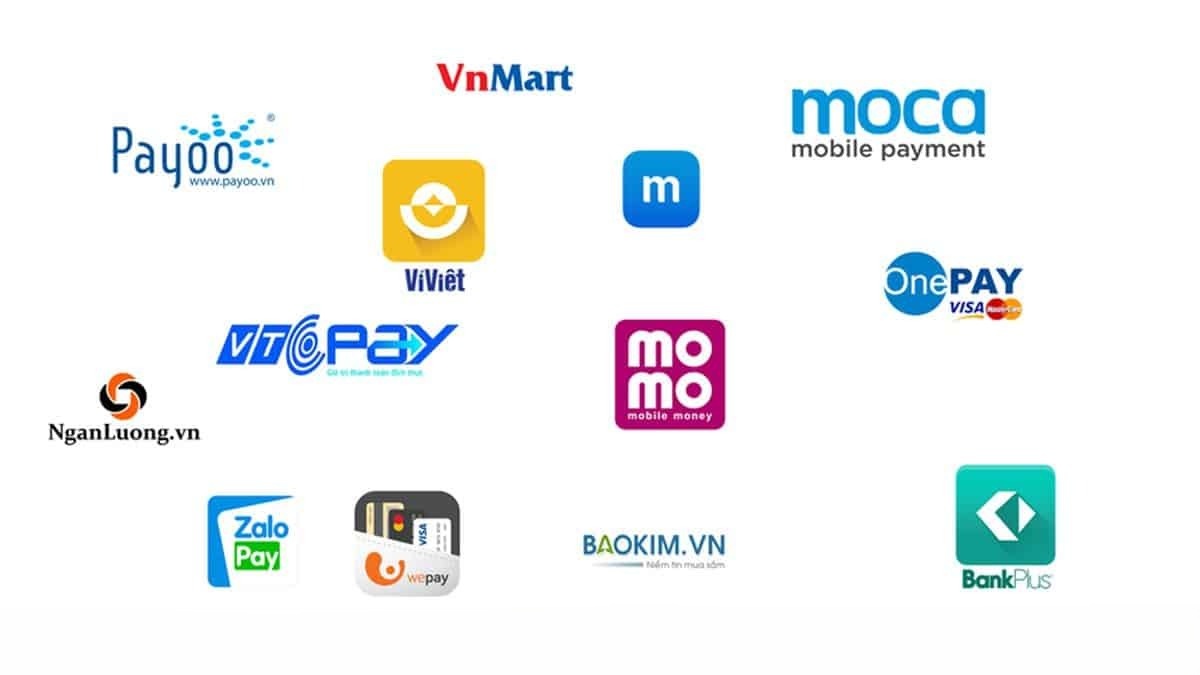
E-wallets
Paying by e-wallet is another online method, widely used for payments on the internet. Wallets people in Vietnam use often include PayPal, ZaloPay, MoMo, VNPAY, and AirPay (as of 2023).
- MoMo is an e-wallet built by M_Service. It lets people pay online and transfer money. It is one of the most used online payment apps in Vietnam. MoMo also covers cinema tickets, electricity and water bills, installment bills, and more.
- Like MoMo, ZaloPay (a wallet tied to Zalo, Vietnam’s most widely used messaging app) is another online payment platform with a large user base. ZaloPay covers the usual categories too: electricity and water, internet, flight tickets, transfers, gifts, and more.
- VNPAY is one of the common online payment methods in Vietnam. The VNPAY e-wallet is aimed at families. When someone chooses it, they can turn on the family-wallet feature and create member wallets for relatives inside the app.
- AirPay offers a range of online payment features that are convenient and built with safety in mind. People can pay for products and services on shopping websites and in mobile apps.
PayPal
PayPal is an e-wallet that acts as an intermediary for money transfers and international payments. It works in a similar way to internet banking: a customer can send money and withdraw money inside PayPal. A transfer from PayPal to a domestic bank takes longer to arrive.
If the payment does not go through, the buyer is refunded in full. To connect PayPal to your site, follow these steps:
- Step 1: Open the website admin, choose configuration, then choose payments.
- Step 2: In the payment settings, choose PayPal, then choose setup.
- Step 3: Register the site with PayPal by entering the required parameters in the form.
- Step 4: Choose save to finish.
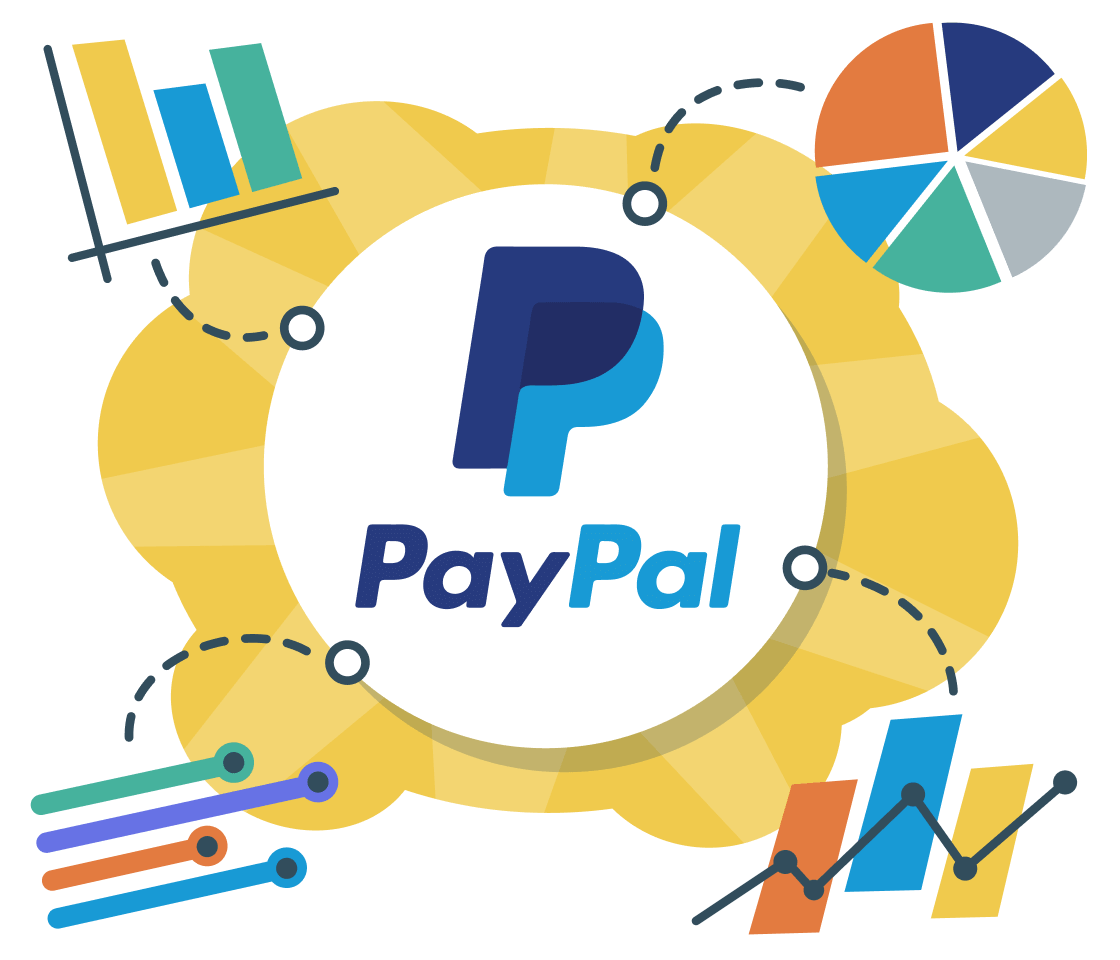
Visa and Mastercard on the website
Domestic credit cards and international cards such as Mastercard, Visa, Discover, and American Express are the types usually connected to a website. To pay on a sales website, a customer can use Visa or Mastercard like this:
- Choose Visa or Mastercard on the checkout page.
- Enter the card details: card number, cardholder name, expiry date, and security code.
- Confirm the payment and wait for the bank to approve it.
- If the payment details are correct, the money moves to the business account and the customer sees a success message.

Adding Visa and Mastercard payments to a website
Points to watch when you add online payments
- Pick a method that fits: before you add online payments, choose the method that matches how you sell. There are many options: e-wallets, bank transfer, PayPal, and others.
- Keep security tight: customer details and payment data matter. Choose a partner with a solid reputation so those details stay safer through the transaction.
- Test the integration: before you switch payments on, check that the feature works on the devices and browsers your customers use, so a payment does not fail on a bug.
- Offer customer support: help with payment problems matters as much as the gateway. Tell customers how to pay, and answer questions about a payment that did not go through.
- Keep the privacy policy current: update your policies so you stay compliant with payment rules and keep transaction data safe, including how you collect and use customer information.
- Service fees: when you open an online payment gateway, look at the costs you will carry, the fee on a successful order, and any extra offers, and match them to what the business needs.
- Room to customize: you need to understand the payment steps on the site so you can judge them and simplify what the customer has to do.
Shoppers have been moving to online payment in large numbers. To improve the experience on your sales site, choose online gateways that fit the shop, with strong security and solid order management, to get the most out of them.
If you already run your website with 123Website, add the online gateways above so customers can pay more easily and your sales have a better chance to grow.
The 123Website team. We have designed websites and business software since 2013, with 2,000+ projects delivered.