
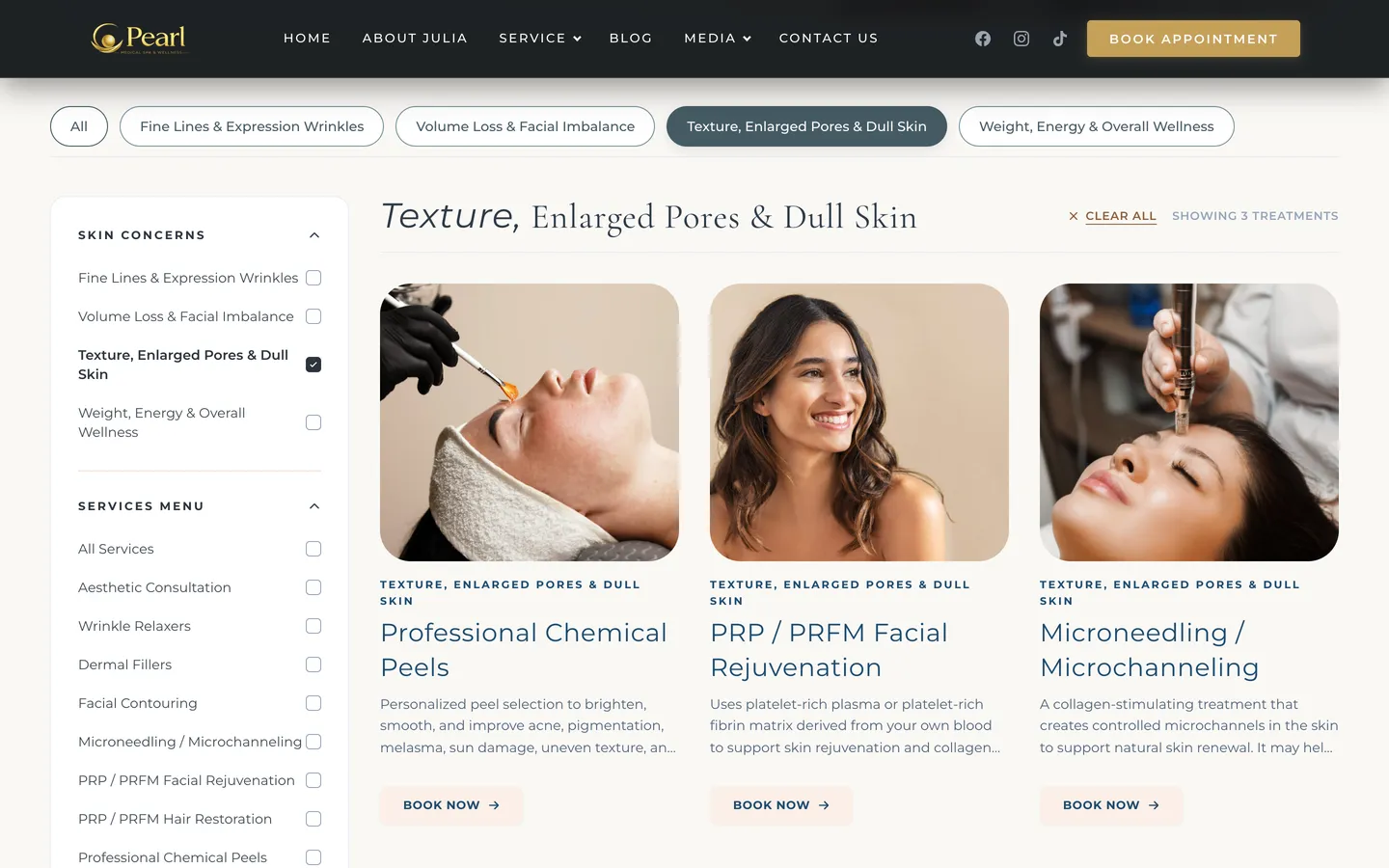
Filter treatments by concern
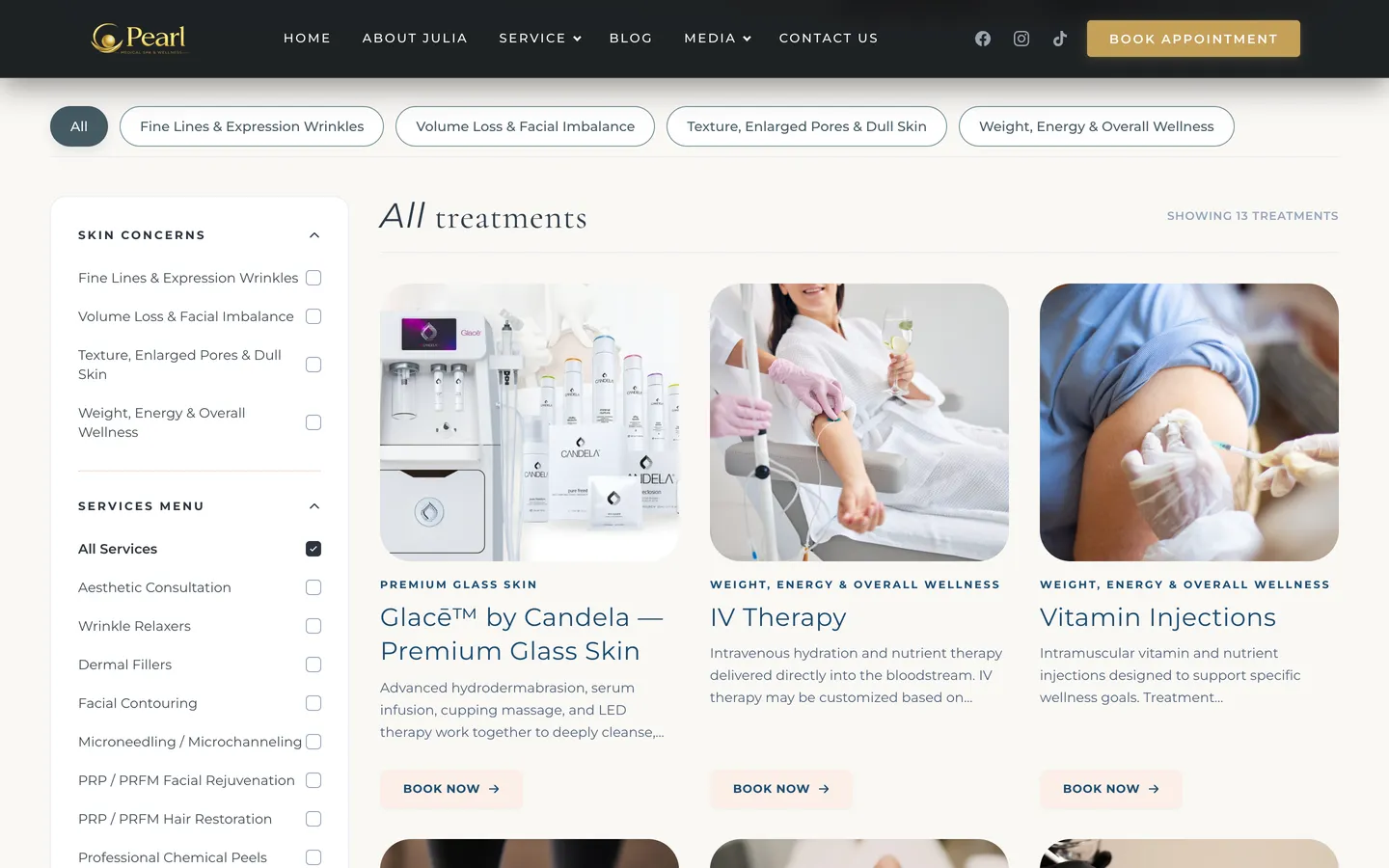
Quick filter chips at the top and a left-hand filter column by concern group or treatment name. The page shows how many treatments match, with a clear-filters button.

 Beauty · Medical spa in the US
 Pearl Medical Spa & Wellness is a medical aesthetics and wellness practice in Richardson, Texas. 123Website built an English website on WordPress with a custom cream-and-gold theme: clients filter treatments into four concern groups, read the FAQ, then tap Book appointment to choose their own date and time on the spa's Square Appointments calendar.

Clients
Pearl Medical Spa & Wellness (the Pearl by Julia brand) is a small medical spa in Richardson, a suburb of Dallas, Texas. The founder is a nurse practitioner who consults with each client before a treatment. The spa takes a gentle aesthetic approach that keeps a natural look, combined with wellness services.
The problem
Someone coming to a medical spa for the first time often only knows they have wrinkles, dull skin, or that they want to manage their weight. They cannot yet tell filler, PRP and PDO threads apart. The website needs to group treatments by concern, explain them in plain language, show who will do the consultation, and let the client book whenever they want.
01
Four groups: expression lines, volume loss, pores and dull skin, and weight and overall health.
02
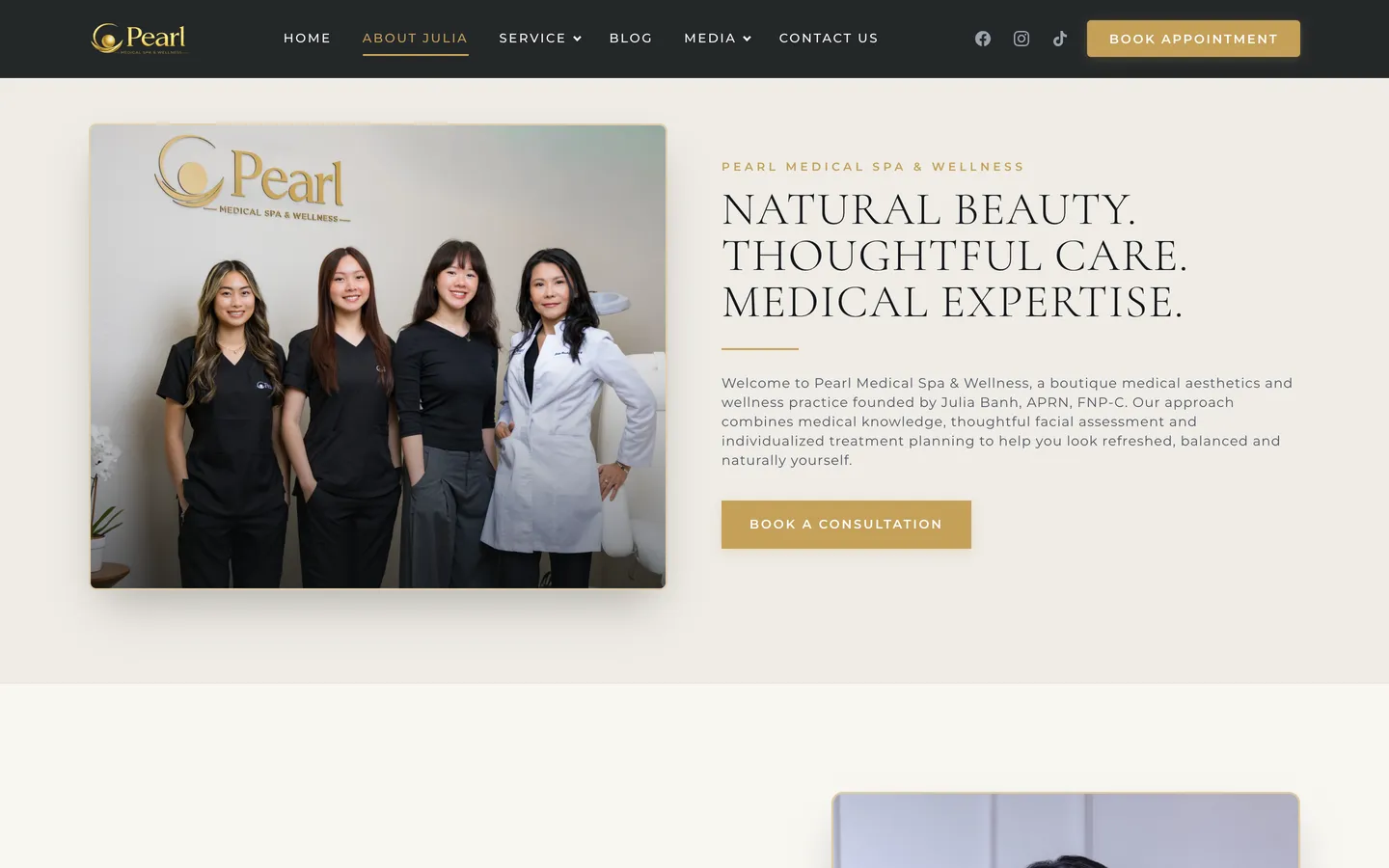
The about page sets out the founder's expertise, with real photos of the team and the treatment room.
03
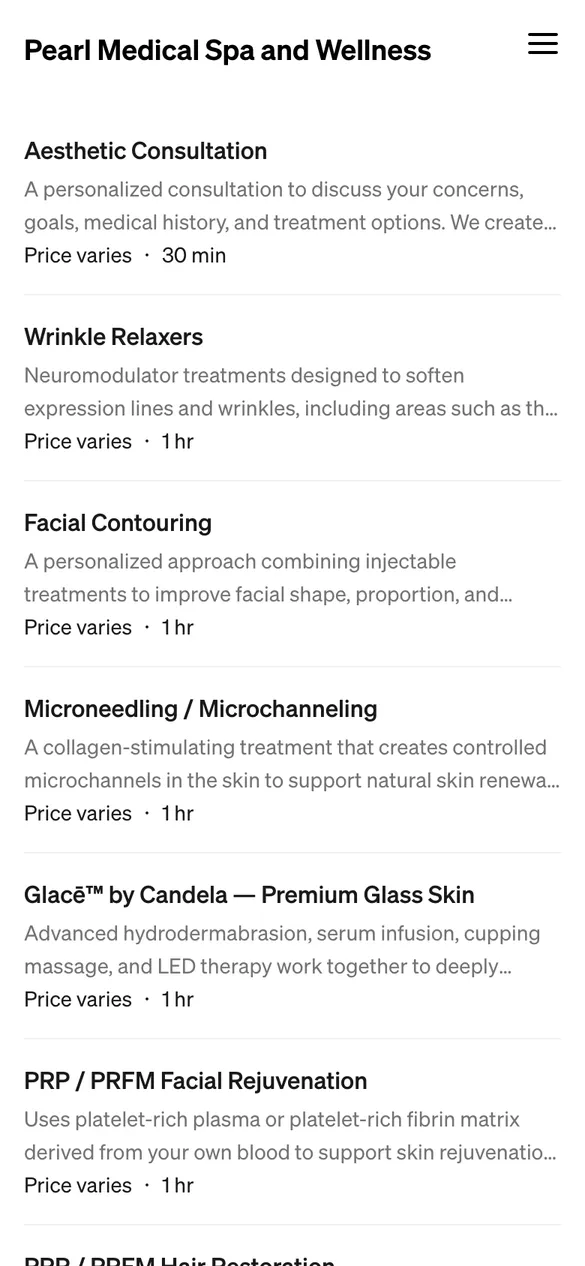
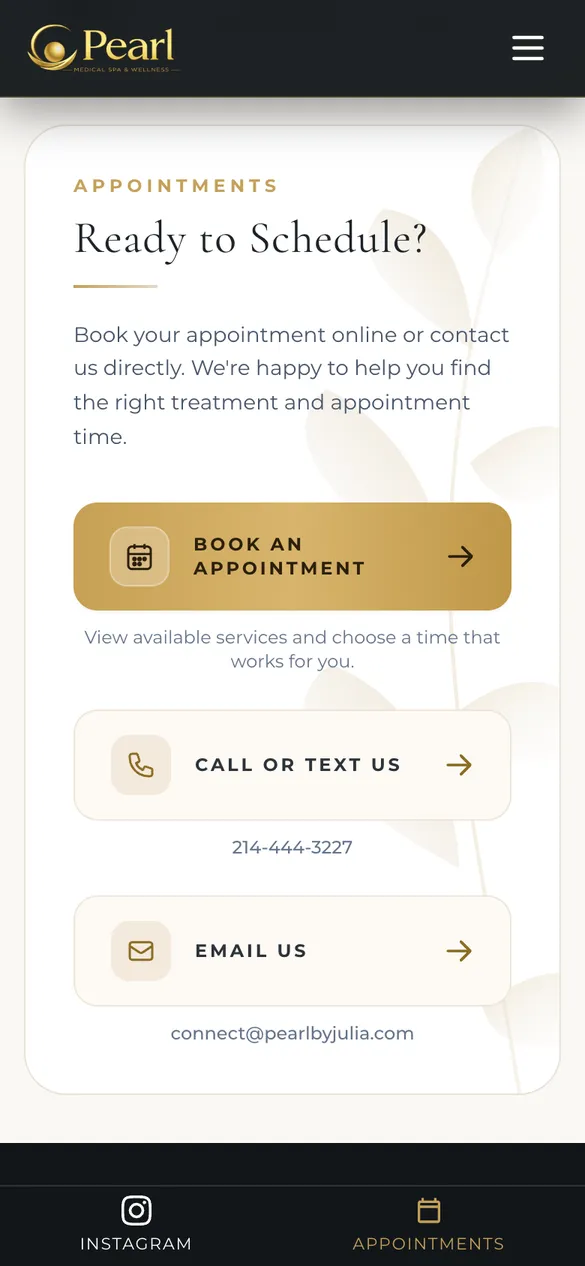
The Book appointment button on every page opens the spa's Square calendar, and the client chooses the service and an open time.
04
Cancellations, package refunds, medical statements and privacy each have their own page in the footer.
What the spa's clients experience
On mobile, the bottom bar always includes an Appointments button, so a client can book at any step.
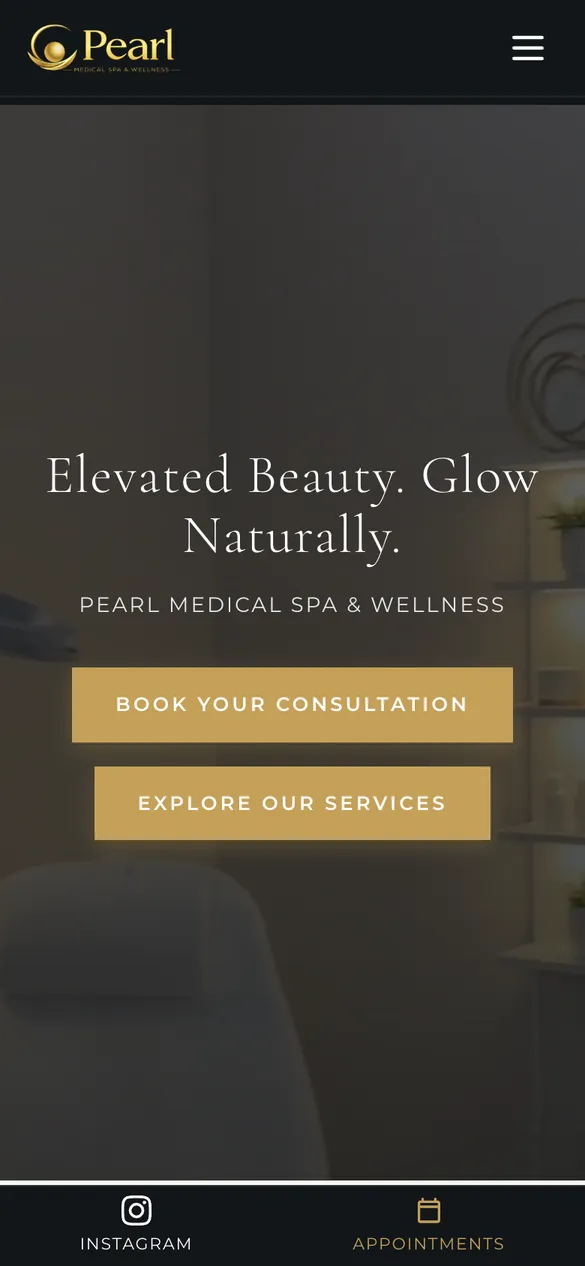
A banner video filmed at the spa, with two buttons to book a consultation and to view the services.
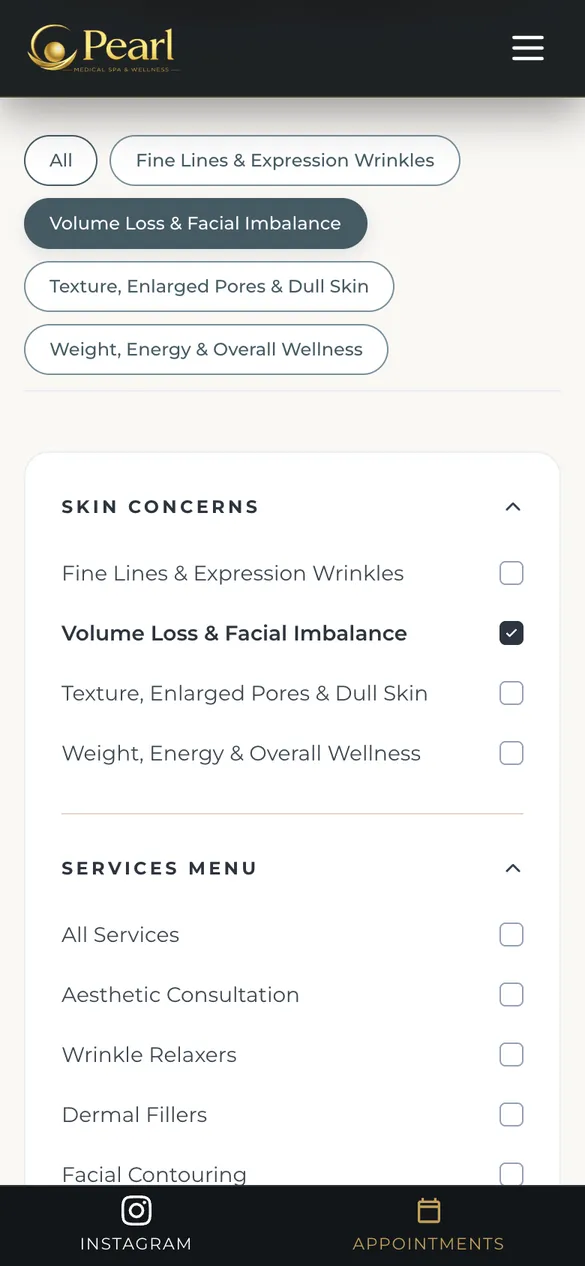
Filter chips and a Skin Concerns column for the four concern groups.

Only treatments in the selected group remain, with a count and a clear-filters button.
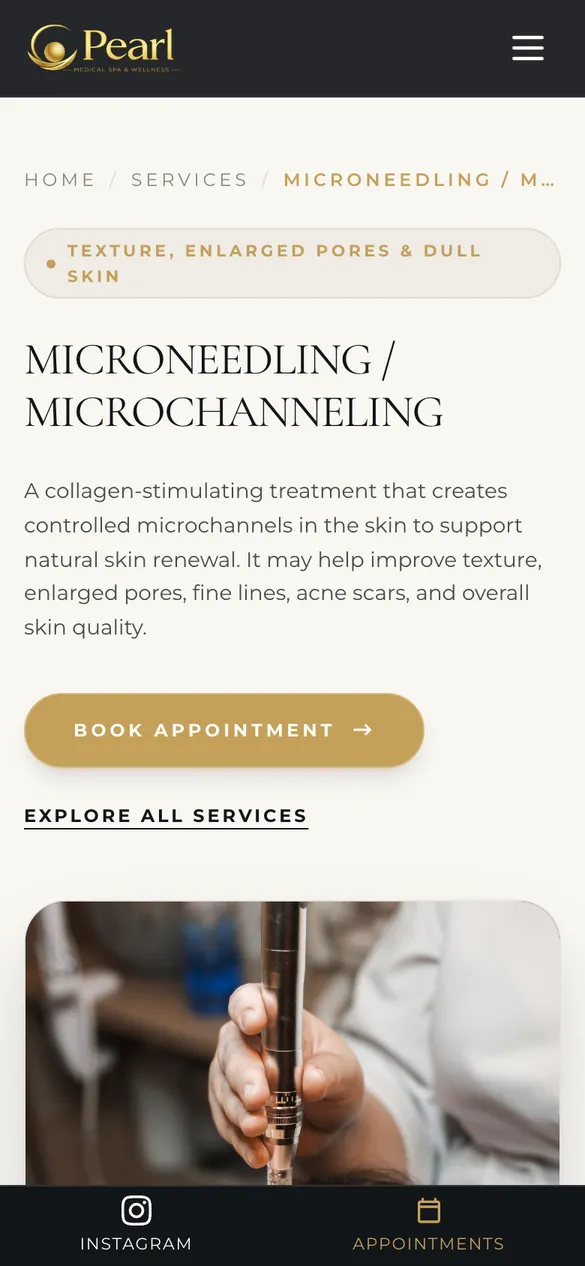
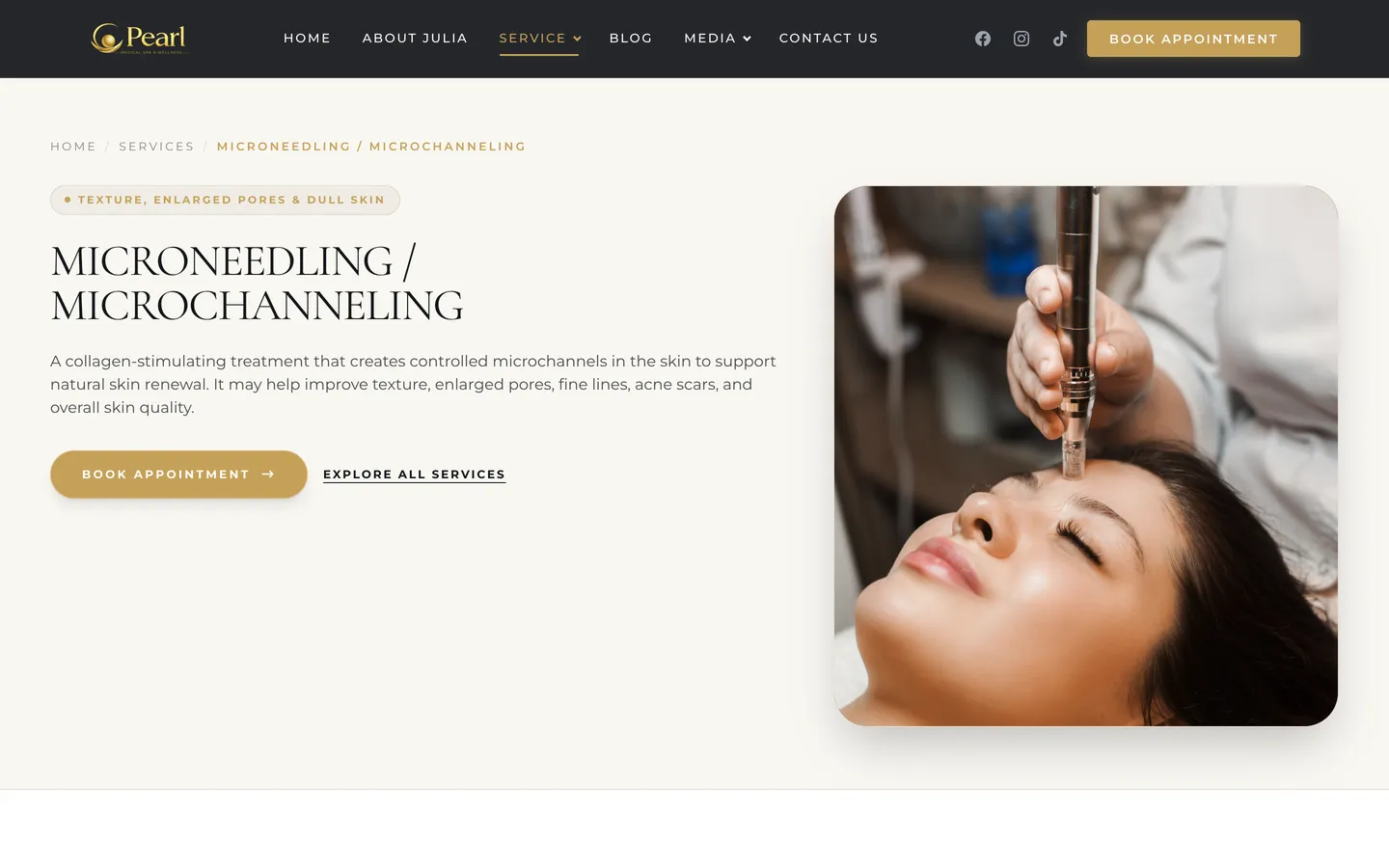
A dedicated page for the treatment, a concern-group label and a Book appointment button.
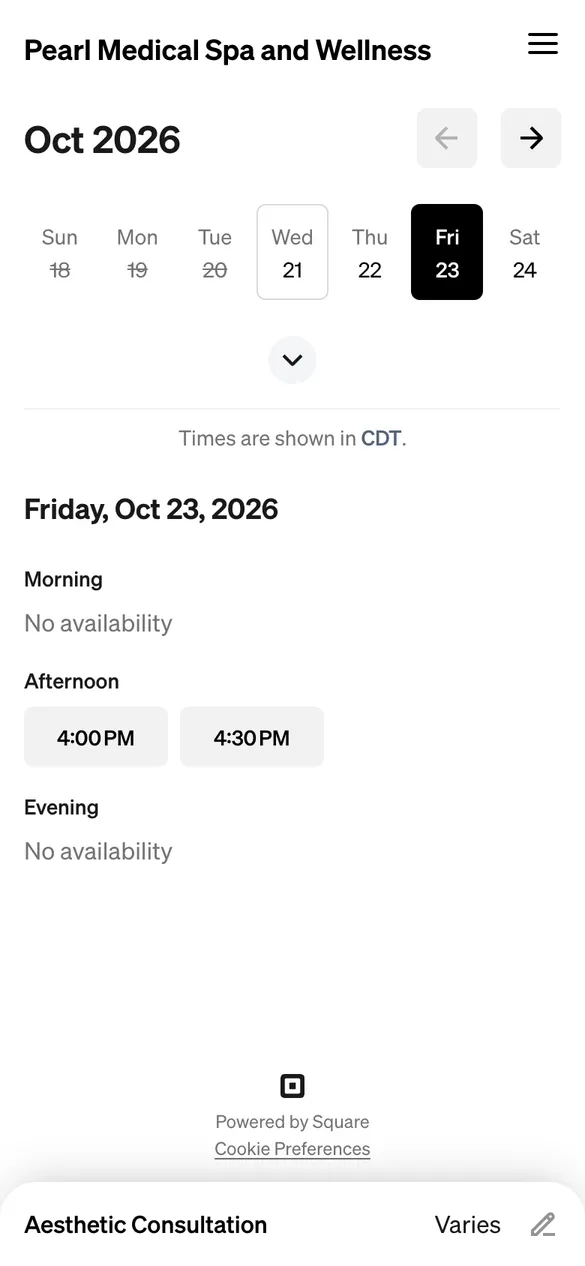
The Square calendar shows open time slots in Texas time.
Features
Treatments are a custom content type in WordPress, tagged with a concern group, so the catalog page and filters include a new treatment as soon as the spa adds it.
Quick filter chips at the top and a left-hand filter column by concern group or treatment name. The page shows how many treatments match, with a clear-filters button.
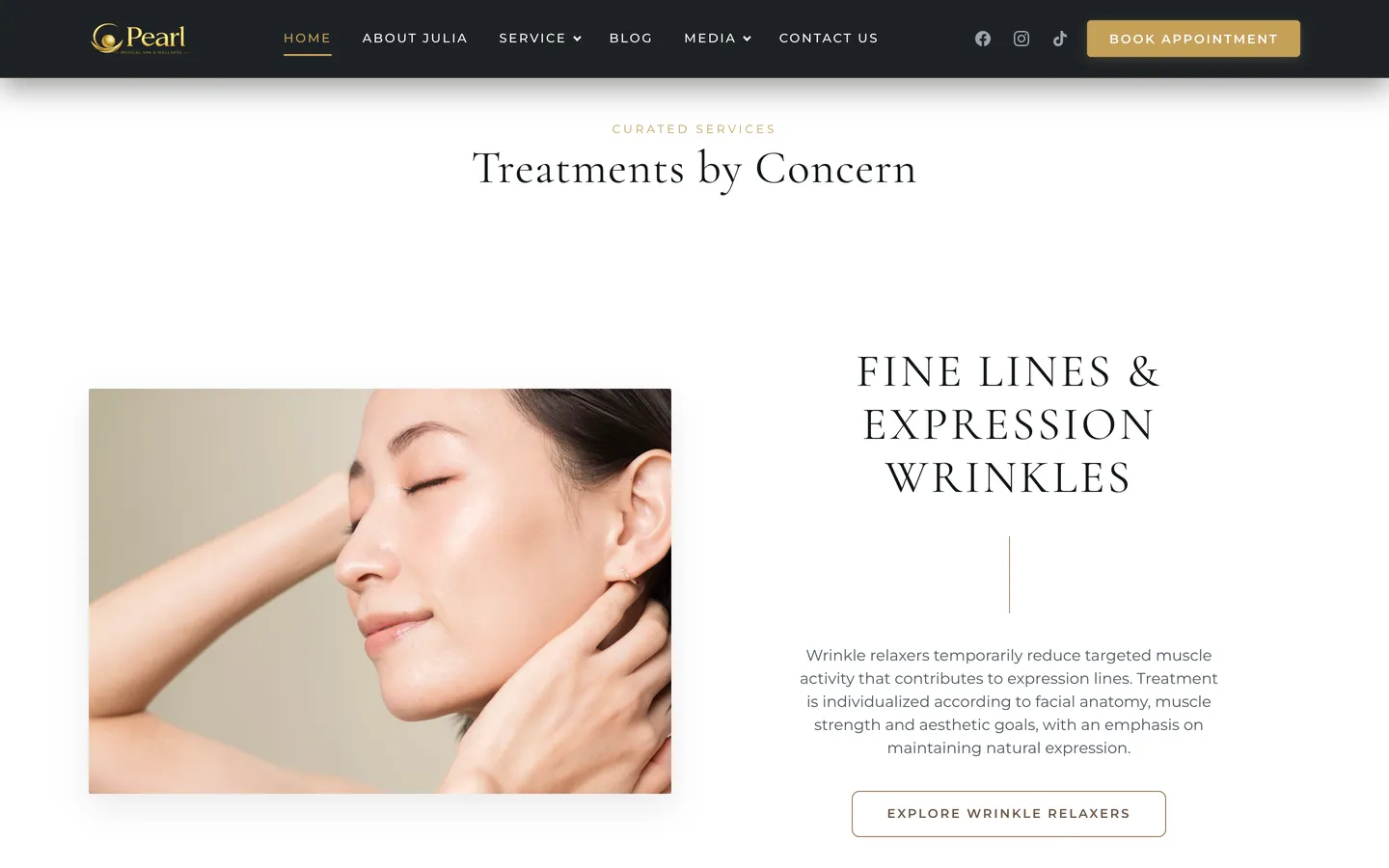
Each concern group is a large photo block, a short explanation and a button through to the matching treatments.
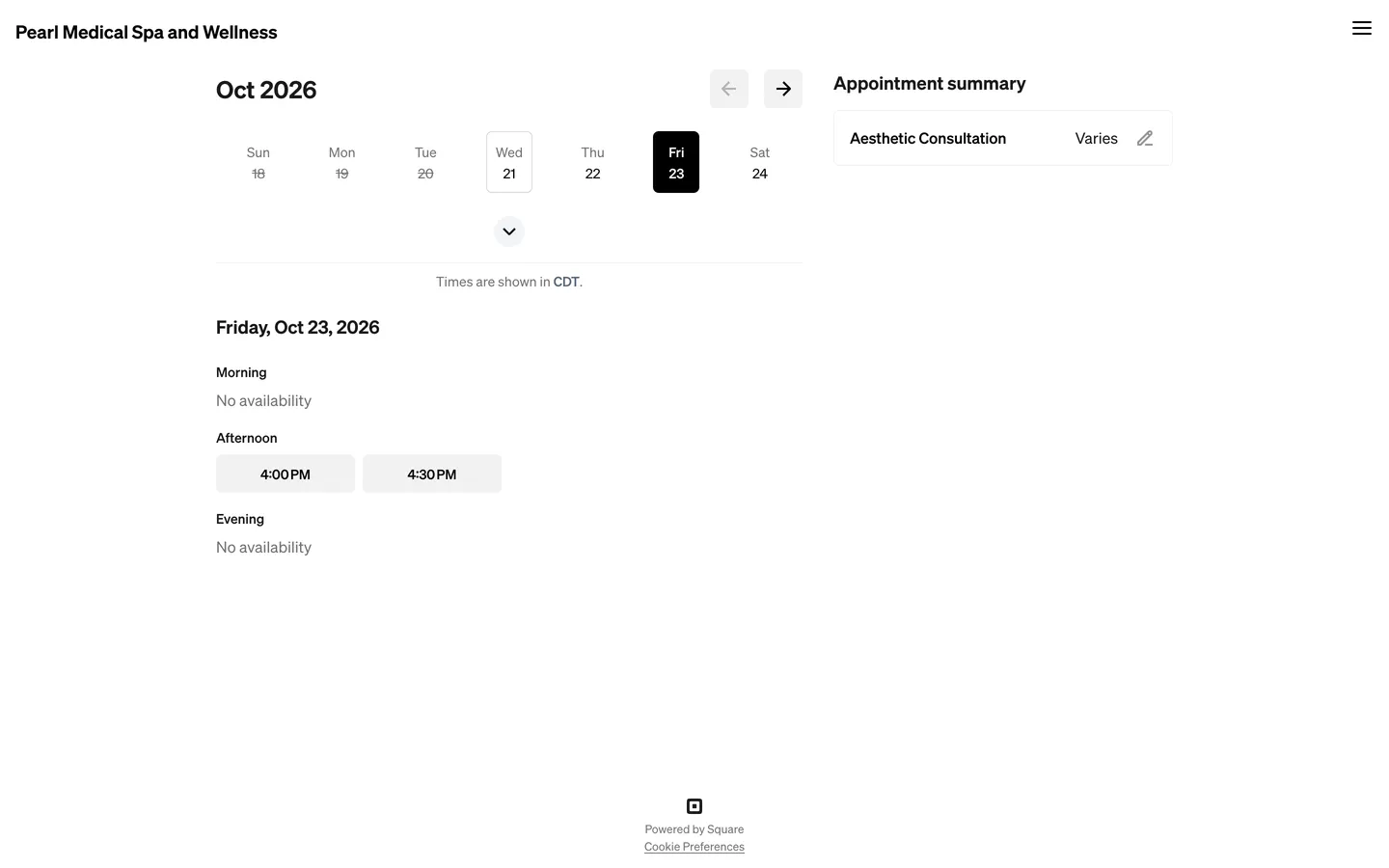
The client chooses a service, sees how long it takes, and picks an open date and time slot. Times are shown in the spa's time zone.
The spa already manages its calendar in Square, so the website does not add a second booking system. The Book appointment button at the top of the page, on each treatment, on the contact page and on the mobile bottom bar all open Pearl's booking page on Square, in a new tab, so the visitor does not lose the page they are viewing.
Square AppointmentsTimes in the Texas time zoneOpens in a new tabAppointments button on mobile
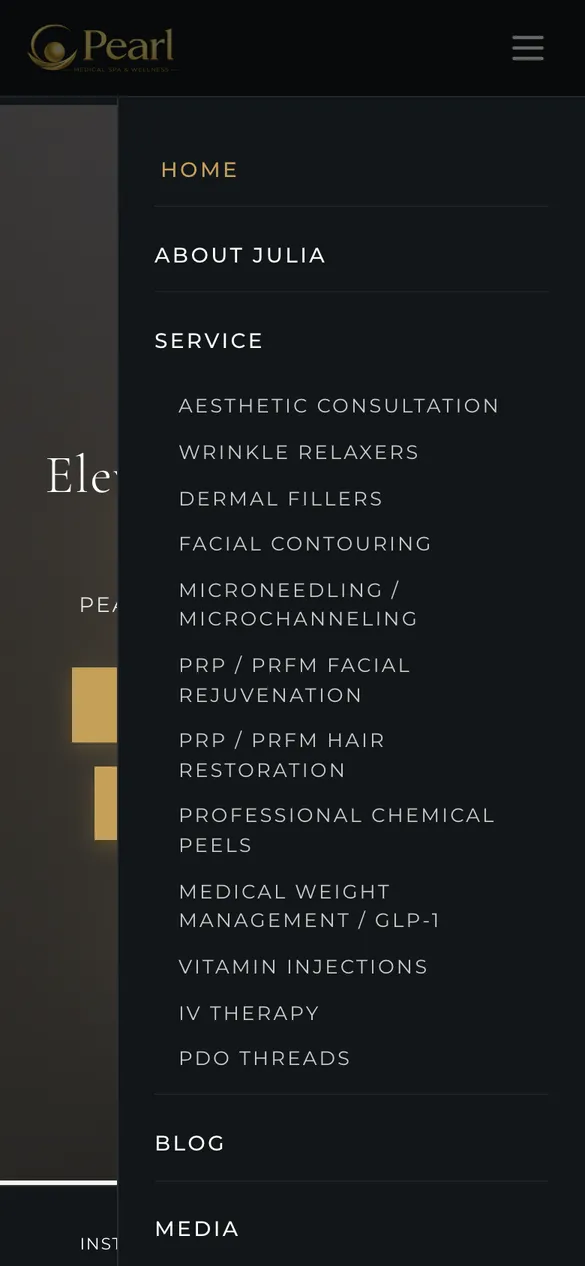
The Service item expands into the list of treatments; on mobile it sits inside the slide-out menu.
A consultation before treatment, recovery time, number of sessions, and how to choose a suitable peel.
A video filmed at the spa plays in the background on the homepage, with a still image until the video loads.
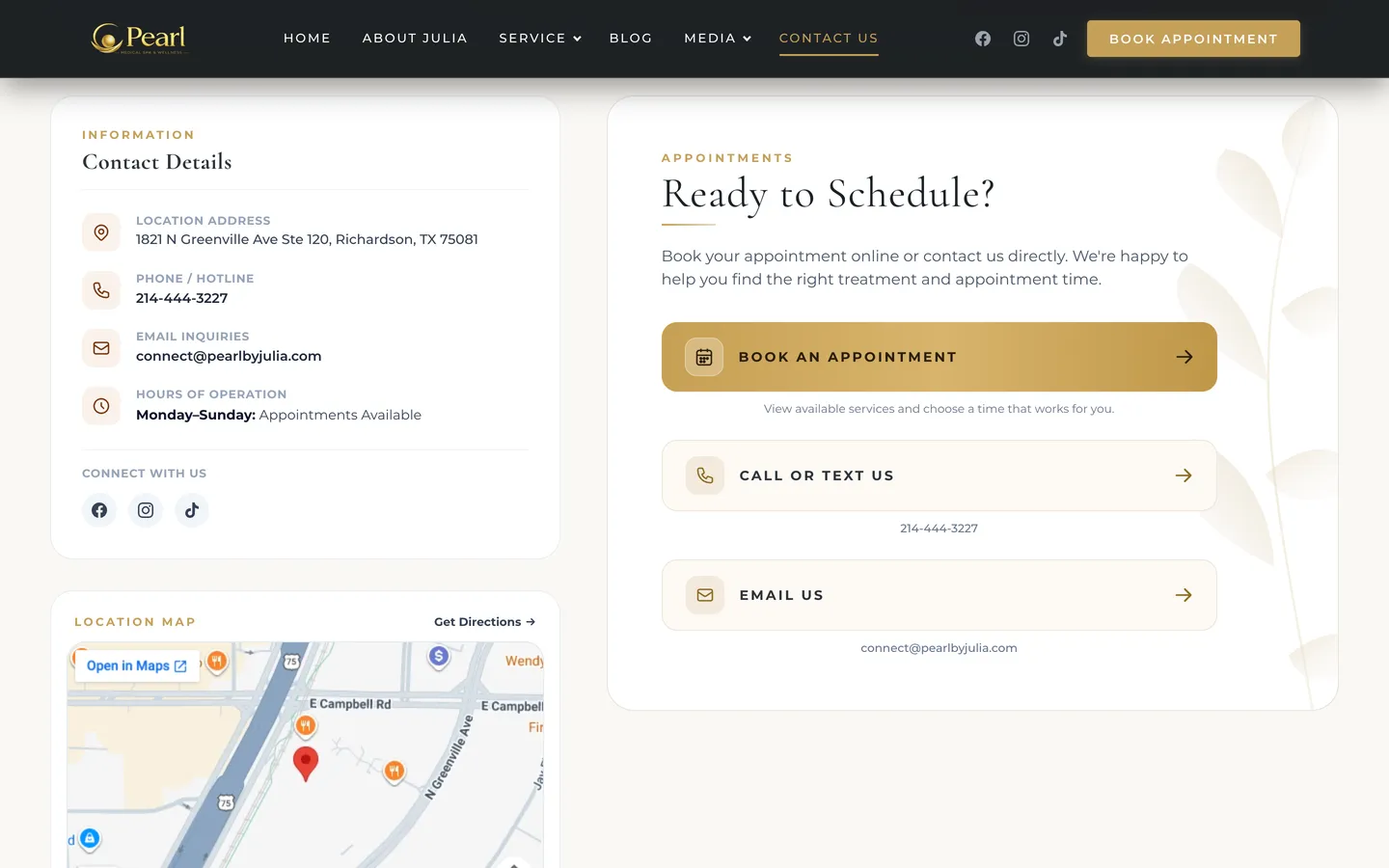
Google Maps is embedded on the homepage and the contact page, with a Get Directions button.
Instagram and Appointments stay fixed at the bottom, with a floating call button on the right of the screen.
The Service page has a first-visit promo strip and a Referral Program block.
The Media page has photo and video tabs. Photos of the team and the treatment room open large when tapped.
A section of articles on skincare, wellness and aesthetic treatments.
Admin system
Staff add a treatment, assign a concern group, and change the photo and description in WordPress; the catalog page and filters update on their own. Appointments stay in the Square account the spa already uses, so nothing has to be matched up in two places.
Technology
The Pearlbyjulia theme is written in Tailwind CSS, and each main page is a PHP template; treatments are a custom content type. Booking is handed to Square Appointments, the system the spa uses every day.
Privacy Policy, Terms of Use, Cancellation & No-Show, Package / Refund and Medical Disclaimer each have their own page, linked from the footer.
Treatments, concern groups and blog posts each have their own URL, SEO tags and a sitemap through Yoast SEO Premium.
How 123Website built it
An English website for clients in the US, keeping the metallic gold of the Pearl logo.
The live site
Screenshots from pearlbyjulia.com and the spa's Square booking page on 21 October 2026.

Related projects
From in-home care services and a US health brand to an English website for international clients.
Healthcare
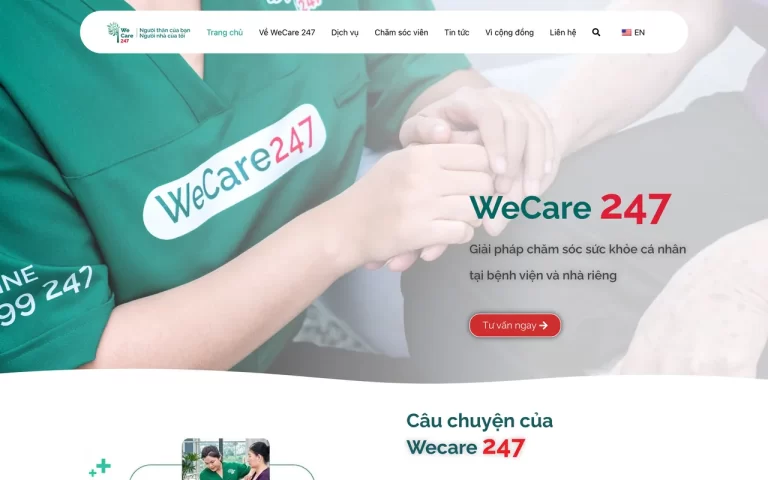
A website for WeCare 247, a personal care provider in hospitals and at home in Ho Chi Minh City: services, the caregiver team, consultation booking and a bilingual investor-relations page.
Built with: WordPress · Vietnamese–English
View projects
Healthcare
Bilingual e-commerce website for Omexxel, a dietary supplement brand from the US: products grouped by health category such as eye health, heart health, and digestion, with a cart, health articles, and events with pharmacies.
Built with: WordPress, WooCommerce · bilingual Vietnamese and English
View projects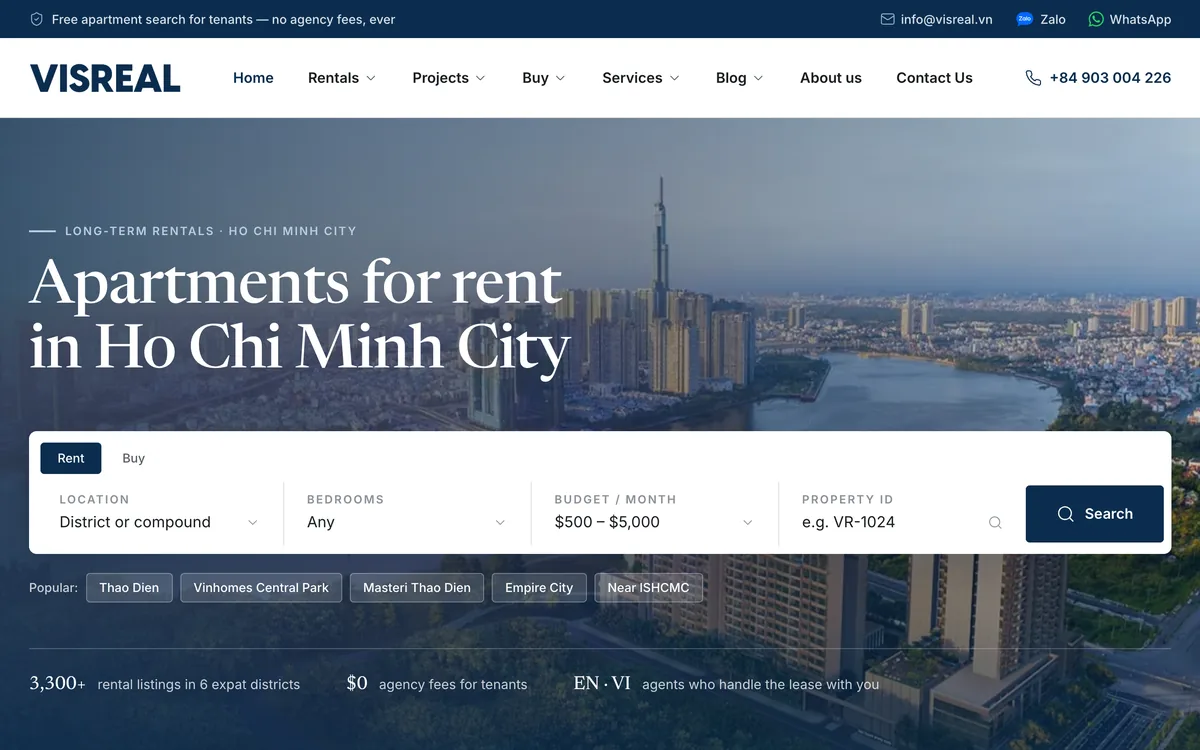
Real estate
An English website for Visreal, a long-term apartment rental agency for expats in Ho Chi Minh City: search by area, bedrooms and budget, with a page for each district and project.
Built with: WordPress, custom Visreal theme (WpResidence data)
View projectsTalk to us
Leave your details and we will call you back. Together we look at what your clients ask most often, then suggest a site structure and a way to connect the booking calendar that fits.
Get a free consultation
Your information is used only to advise you on our services.
Request received
Our consultant will call you back during business hours with industry templates and a package quote.
Talk to an expert Mon–Fri 8:00–17:30 · Sat 8:00–12:00
Or reach us directly
Free advice, no spam, your data stays private
Need advice on your website?We're here to help
Talk to an expertMon–Fri 8:00–17:30 · Sat 8:00–12:00
Free advice, no spam
Leave your details and we'll call you back
Business hours: Mon–Fri 8:00–17:30, Sat 8:00–12:00.
Your information is kept private and never shared with third parties.
Request received!
Our consultant will call you back during business hours to go over the details.
